
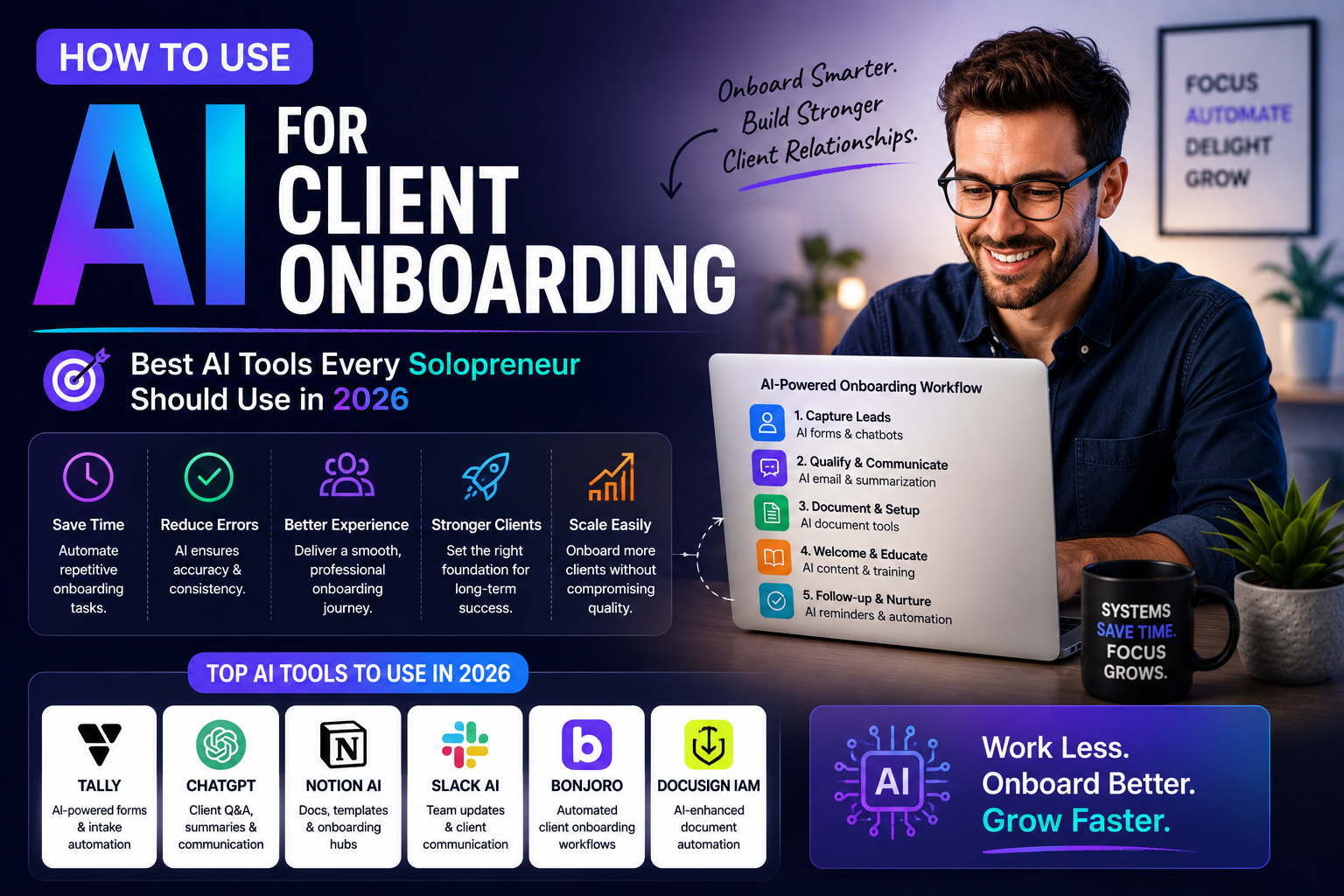
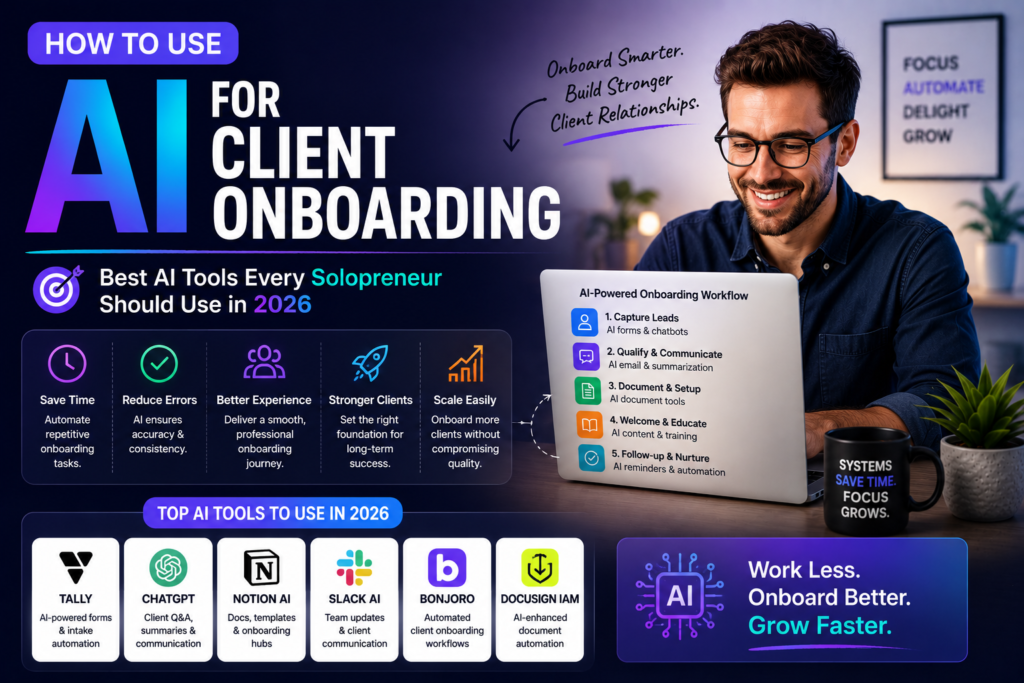
You didn’t go solo to drown in forms, follow-up emails, and chasing stray client details. If you’re still manually piecing together your onboarding flow, AI client onboarding can quietly take half that work off your plate while giving new clients a smoother first experience.
The goal isn’t to bolt on more shiny tools. It’s to build a simple, reliable system that welcomes every new client the same way you would on your best day, even when you’re busy or burned out.
What AI client onboarding actually means for a solo business
For a one-person business, AI client onboarding is less about fancy tech and more about reducing small, repetitive decisions that drain your attention. Think of it as setting up a smart assistant that remembers every step, every time, without needing you to push it.
Instead of building a huge stack, you’re looking for a small handful of tools that can talk to each other and quietly handle the boring parts in the background.
Key outcomes a good AI setup should deliver
A strong AI onboarding setup doesn’t just send a welcome email; it protects your calendar, cash flow, and sanity. It should feel like your business can keep saying “yes” to good clients without stretching you thinner every month.
Most solo founders who stick with this approach see fewer no-shows, faster payments, and fewer “hey, what happens next?” messages in their inbox.
Where AI fits in compared to traditional onboarding tools
Classic client onboarding software gives you structure, but you still have to drive most of the process yourself. You end up copying the same instructions, answering the same questions, and nudging clients along step by step.
AI adds a decision-making layer on top of that structure, so the system can adjust to client answers, fill gaps, and follow up without waiting on you.
Core building blocks of an AI-powered onboarding system
Before you pick tools, it helps to map the key stages of your onboarding process from “interested lead” to “first delivery sent.” A simple checklist on a notepad or whiteboard is more than enough to start.
Once you can see the steps clearly, it becomes obvious which tasks are repeatable patterns and which moments still need your personal touch and attention.
From chaotic inbox to clear stages
If your current customer onboarding lives entirely in your email inbox, you’re probably juggling threads, links, and files across multiple apps. That’s where details fall through the cracks and where clients start to feel ignored.
Your aim is to move away from reacting to messages and toward a simple path that every new client walks through from first contact to kickoff.
Many solo founders start by choosing one flexible client management software that can hold contact info, notes, contracts, and key project milestones in one place.
Automation vs. personal touch: getting the balance right
AI is great at structure, not warmth. The job of onboarding automation is to carry your client from step to step while clearing your calendar for the conversations and decisions that actually require your experience.
A helpful rule of thumb: automate the steps you can describe in one sentence, and keep human control over anything that depends on nuance, judgement, or live conversation.
Best AI tools to use at each stage of onboarding
Instead of chasing the “perfect” all-in-one platform, think in terms of roles: one tool for communication, one for data capture, one for scheduling, one for documents, and one for tracking.
When each role is clear, you can pick AI business tools that fit your workflow instead of bending your workflow around the software.
Discovery and intake: from inquiry to “yes”
Your intake form should do more than collect an email address and a vague project description. A smarter AI onboarding setup can ask better questions, summarize responses, and flag anything that looks risky or unclear.
Solo founders often start by plugging AI into forms so that new responses get turned into clear notes instead of raw text they have to parse by hand.
Behind the scenes, your CRM onboarding flow should automatically create or update the contact, attach the intake notes, and trigger the next step, whether that’s sending a calendar link or a proposal.
Scheduling, calls, and expectations
Once a client decides to move forward, your scheduling flow should be boring in the best possible way. A simple link, clear options, and an instant confirmation relieve both of you from playing calendar ping-pong.
After someone books, AI can generate a short agenda and suggested questions from the intake answers, so you walk into every call prepared rather than scrambling five minutes before.
For many solopreneurs, basic workflow automation at this stage can send reminders, reschedule links, and follow-up messages without any manual effort.
Documents, payments, and first deliverables
The most fragile part of onboarding is usually the gap between “yes” and “paid” or between “invoice” and “first result.” That’s where clients can cool off or get confused.
Modern client onboarding software can send an agreement, invoice, and welcome email in one smooth sequence, with AI handling the dynamic details like pricing, dates, or scope summaries.
If you’re managing projects, a simple client management software setup can auto-create a project space, attach the signed documents, and add the first few tasks so you’re not starting from a blank page.
How to connect your AI tools into one simple system
Great tools that don’t talk to each other will still create friction for you and your clients. The real power shows up when actions in one part of your system quietly trigger the next steps elsewhere.
Think of it as building a single track that every client travels down, rather than a bunch of isolated touchpoints that you manually stitch together week after week.
Designing your end-to-end flow
Before you dive into integrations, map your ideal onboarding process in plain language. For example: inquiry form, automatic qualification, invite to book, proposal sent, contract signed, invoice paid, welcome packet delivered, and kickoff meeting booked.
Once you have that story written out, it’s much easier to decide where AI should step in and where a human reply is still the better choice.
At this point, many solo founders choose a light client onboarding software or CRM as the central hub and let other tools connect around it using simple zaps or native connections.
If you already use a system for customer onboarding in another part of your business, it can sometimes be extended so that new clients enter through that same central workflow.
Owners who already track leads in a structured way often have a head start when they begin exploring AI for small business systems and automation.
Practical implementation tips and simple starting playbooks
You don’t need a huge project plan to get real value from AI client onboarding. You just need to solve one annoying bottleneck at a time and be willing to refine things as you go.
Most solo founders see a noticeable difference when they clean up the first 24–48 hours after a client says “yes” and make sure nothing in that window depends on them remembering a manual step.
Three simple onboarding plays to implement this month
First, create a single intake form that sends responses to your notes system and tags the contact appropriately. Even a basic client onboarding software offers templates you can tweak in an afternoon.
Second, use automation rules so every new client gets a clear welcome email that outlines what will happen over the next week, including any forms, calls, or documents they should expect.
Third, set up a basic recurring checklist in your preferred workflow automation tool so you never skip critical early tasks like sending summaries or booking a follow-up call.
If you sell services in packages, a simple onboarding automation can branch your checklist based on the package type, so high-touch and low-touch clients each get the right level of care.
Many solo founders eventually add a small table view of their client onboarding workflow so they can see at a glance who is at which stage without hunting through emails.
Bringing it all together for a calmer solo business
If you build AI client onboarding thoughtfully, your business starts to feel lighter without losing the personal touch that brings people to you in the first place. New clients know what happens next, you stop rewriting the same messages, and your calendar clears enough for deeper work.
If you’re ready to start, pick one friction point in your onboarding process, fix it with a simple tool, and then add AI support once the manual version feels solid; that steady approach will help you build a reliable onboarding system and free up more time to grow The AI Solo the way you want.
4 thoughts on “Stop Wasting Time on Client Onboarding: How Solopreneurs Can Automate It With AI in 2026”