
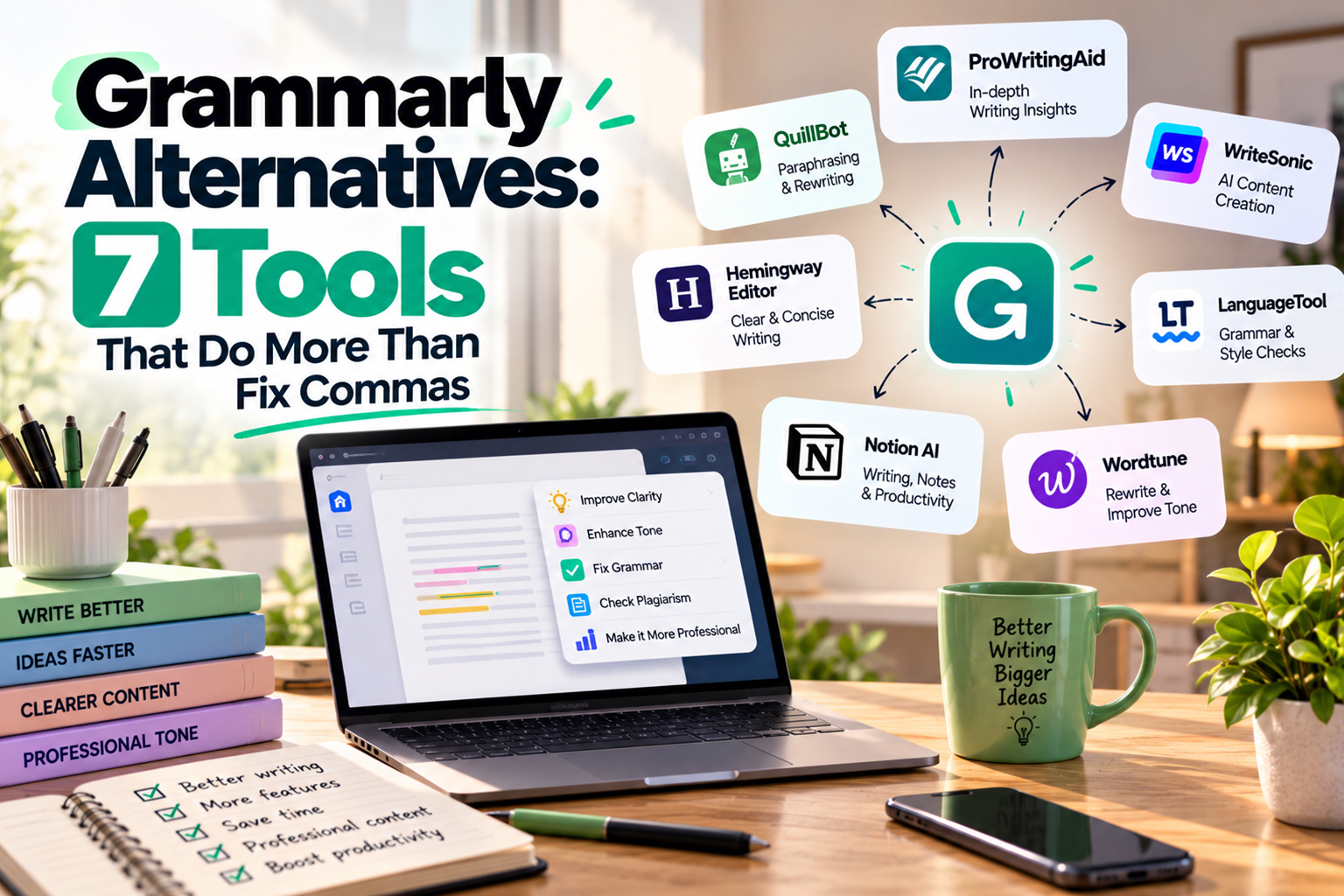
ai social media automation has raised the bar for what we expect from writing software beyond red squiggles and passive voice alerts. If you run a solo or small team business in 2026, you want tools that help you write, repurpose, batch content and still sound like yourself.
Grammarly is good at grammar, but it is blunt with tone, weak on structure and tightly tied to the cloud. We will walk through a tighter set of alternatives that care about clarity and style, talk about when is Grammarly Premium worth it for what you do, flag options for a real Grammarly alternative that works offline and show you how to get close to a free alternative to Grammarly Premium without wrecking your writing. If you already rely on ai social media automation for content distribution, these tools sit around that workflow instead of fighting it.
Why People Outgrow Grammarly
The first sign you have outgrown Grammarly is that its suggestions start getting in the way of your voice. It often pushes everything toward the same generic corporate tone, which is the opposite of what you want if you rely on personality to stand out on social and in email, especially when you are already investing time in tools from our AI Tools for Solopreneurs roundup.
Once you add long blog posts, email sequences and social content into the mix, the tool also shows its limits with structure. For working solopreneurs who already use ai automation for solopreneursrunning your copy through one more browser based app that mostly fixes commas quickly starts to feel like busywork.
How To Choose A Grammarly Alternative
The right tool depends on what you write and how you work. Start with three filters, offline or cloud, AI rewrite features or pure grammar, and whether you need team features like style guides and shared templates.
From there, look at how the tool fits your existing stack. If you already have a strong writer from our Jasper vs Copy.ai vs Writesonic comparison, you probably only need an editor, not another full AI writer that overlaps and sits idle.
LanguageTool For Clear Multilingual Drafts
LanguageTool is the one many writers quietly swap in when they get tired of Grammarly flattening their tone. It offers grammar and style checks in several languages, works in the browser and has add ons for common writing environments.
If you draft in Google Docs, email clients and WordPress, its browser extensions feel familiar and do not nag you for every informal phrase. For solo business owners who lean on ai content automationthe fact that it can spot repeated phrasing from template based content is a practical win.
Is Grammarly Premium Worth It If You Only Need Grammar
The blunt answer to “is Grammarly Premium worth it” is usually no if you only care about basic grammar and spelling. Most current tools, including the checkers built into major operating systems, handle everyday mistakes well enough, and the built in options often surprise people once they take them seriously, especially if they already use broader stacks like the ones in our AI Tools guides.
Premium tiers start to pay off when you use extras such as tone rewrites or plagiarism checks several times a week. If you rarely touch those buttons, you are probably overpaying compared with putting that budget into other content systems, such as smarter scheduling based on ai automation tools.
ProWritingAid And Hemingway For Deep Editing Sessions
ProWritingAid leans into editing rather than surface corrections. It offers reports on sentence length, glue words, repeated phrases and readability, so it suits long form pieces, reports and sales pages.
The trade off is speed. Running every report can slow you down, but used selectively it forces you to clean up bloated drafts in a way Grammarly rarely does, especially if writing sits at the center of your ai automation for small business setup.
Hemingway App is brutally simple and that is its strength. It does not try to be clever, it just highlights wordy sentences, passive voice and adverb sprawl, then leaves the decisions to you.
There is a desktop version, so you can edit offline and keep distraction low. For anyone who has to turn AI drafts or notes into sharp landing pages, pairing it with the tools in our AI Writing Assistant Suite Review gives you both speed and control.
A Grammarly Alternative That Works Offline
If data privacy or flaky internet is your reality, a solid Grammarly alternative that works offline matters more than shiny AI features. In that case, look at editors that install locally and run their checks on your own machine so client work never leaves your desk. If you’d rather hand this part over, it’s the kind of work our best AI tools by use case team handles every week.
Desktop apps and some word processor plugins let you keep drafts and sensitive emails away from third party servers, which helps if you work in finance, legal or under NDAs. Pair a local editor with a short style checklist and you will get most of the safety net you wanted from Grammarly, without feeding more data into remote tools.
Using AI Models As Editors
General AI models can rewrite, summarise and correct grammar, but they are only as strong as your prompts and your review process. Used as drafting partners, they feel more flexible than Grammarly, yet they will confidently introduce mistakes if you do not read the outputs closely. It’s one of the first things we look at in any Ai customer support automation project.
A safer pattern is to draft or edit in your main editor, then pass small sections to your AI for tightening or rephrasing. That keeps control with you while borrowing some of the speed you get from focused ai automation for solopreneurs setups.
Guardrails For Using AI As An Editor
The main guardrail is to limit scope. Ask your AI tool to fix grammar and clarity, not facts, legal claims or pricing, because those stay on your desk and on your name. We run into this a lot when clients come to us for Ai lead generation automation.
Also keep a simple checklist, read aloud once, check numbers and dates, then skim for phrases that sound off brand. Do this before you plug the copy into social queues powered by ai social media automation so you do not spray awkward wording across every channel.
Editing Workflows Instead Of More Apps
Sometimes the real alternative to Grammarly is a better workflow, not another logo in your dock. A tight editing pass, one slow read aloud and a second pass a few hours later will catch more issues than any single tool.
If writing sits at the core of your business, consider a short checklist for yourself or your virtual assistant. That can cover grammar checks, style passes and a final review of links to offers like your ai email automation pages so you ship consistently solid work instead of chasing every new app.
Conclusion
Grammarly has its place, but if you care about voice, offline work or deeper edits, there are better fits now. Each option above solves a different problem, from quick sanity checks to heavy structural edits, and together they cover more ground than any single subscription. If you’d like help with this, reach out through our Contact Us page.
Pick one tool to test against your current workflow for two weeks, and pay attention to what genuinely saves time, then decide what to keep and what to cancel so your stack and your spend match how you really write, with The AI Solo as your guide on ai social media automation and related tools.
Frequently Asked Questions
Q1. Is Grammarly Premium worth it for a solo business owner
Ans. Grammarly Premium is only worth it if you regularly use its advanced features like tone rewrites, snippets and plagiarism checks. If you mainly need spelling and basic grammar, cheaper or free tools will cover you. Look at your last month of writing and how often you leaned on Premium only features before renewing.
Q2. What is the best Grammarly alternative that works offline
Ans. The best offline alternative is usually a desktop editor that installs locally and does not send text to external servers for processing. Options include tools that bundle grammar with distraction free writing environments. Pick the one that supports your operating system and integrates with your main writing formats.
Q3. Is there a truly free alternative to Grammarly Premium
Ans. There are several free tools that cover core spelling and grammar but they typically skip advanced reports and style guides. Built in checkers in office suites and browsers are often enough for everyday email and internal docs. For public facing content, combine those with a careful manual edit.
Q4. How do AI writing tools compare to Grammarly for editing
Ans. AI writing tools are more flexible than Grammarly because they can rewrite, shorten or expand text on request. They also require a stronger review process because they can introduce new mistakes or off brand phrasing. Many people pair them with a lighter grammar checker rather than replacing editors entirely.
Q5. Should I use more than one grammar checker
Ans. Using two tools can make sense if they serve different roles, like one for quick in app checks and another for deep editing. Running three or more tools usually adds noise and conflicting advice. Start with one and only add another if you can explain what problem it solves that the first tool cannot.
Q6. How do I keep my tone consistent when using AI and grammar tools
Ans. The simplest way is to write a short style note for yourself with examples of phrases, sentence length and formality that feel right for your brand. Compare AI or tool suggestions against that note before accepting them. Over time, you will start rejecting anything that makes you sound like a generic template.