
Ai customer support automation only pays off when the writer behind your replies actually earns its subscription, not when it adds another tab you ignore. You want quicker responses, cleaner drafts and fewer hours fixing stiff copy that sounds nothing like you, especially once tickets spike.
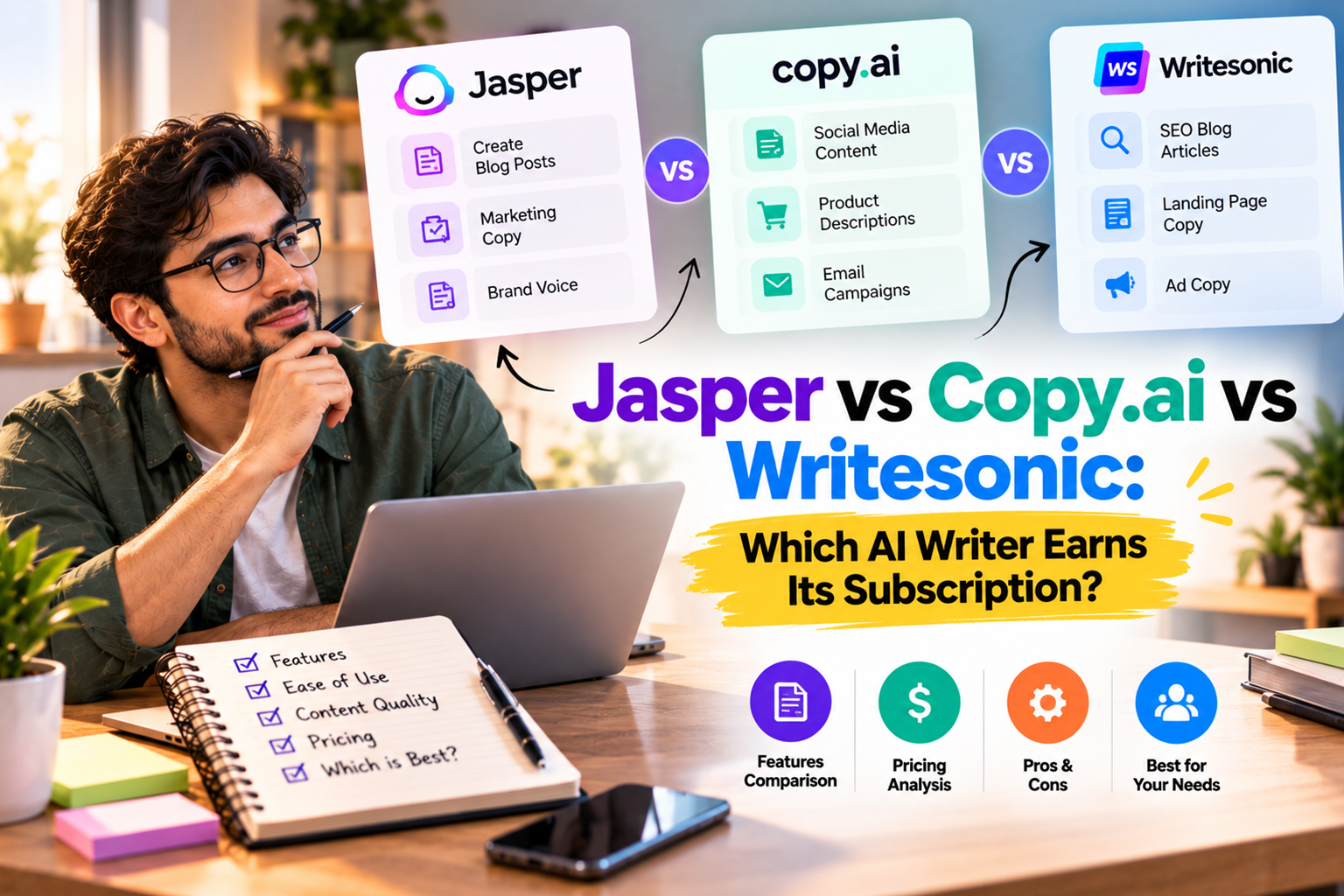
If you are trying to plug an AI writer into support and marketing flows, you are really choosing which tool will sit at the drafting step all day without creating more mess for you to clean up. In this comparison we will look at Jasper, Copy.ai and Writesonic, where they help, where they drag, and how to pick a single tool that fits your stack instead of trial hopping forever while you explore broader ai customer support automation options.
Who This Comparison Is For
Most buyers trying to decide between Jasper, Copy.ai and Writesonic already use some mix of helpdesks, email tools and ai content automation to get through the week. Before you chase feature lists, be honest about how much time you really want to spend wiring tools together and training prompts.
We see two main groups come to this choice. The first is trying to answer whether is Jasper worth the price once the trial ends. The second wants to stretch a single subscription or free tier across canned replies, campaigns and docs while still building longer term systems with ai automation for solopreneurs.
How These Writers Fit Into Ai Customer Support Automation
Ai writers are not helpdesk platforms, but they can pull real weight inside an ai customer support automation setup if you treat them as the drafting brain, not the button that fires replies straight to customers. That means feeding them past ticket replies, setting guardrails and then connecting them to your helpdesk or CRM through native integrations or simple middleware.
For a lot of solo operators, the smartest early move is using a writer to build response libraries and knowledge base articles, then plugging those into your helpdesk while you add other pieces like ai automation for small business. You still review what goes out, which matters on the days when people arrive angry, but you are not drafting from zero every time.
Jasper: Brand Voice Controls At A Cost
Jasper grew up on marketing copy, and it still leans hard into brand voice control and team workflows. If you care about consistent tone across ads, landing pages and canned support replies, its style and campaign tools can give you more control than a blank general chatbot once you feed it a clear guide.
The harder question is whether is Jasper worth the price after the trial glow fades and a recurring bill arrives. For solo users or small teams, that call depends on how much content you actually publish and whether you already pay for another assistant like the tools in Sider vs ChatGPT Plus that can draft similar work with fewer guardrails but lower cost.
Jasper vs ChatGPT For Marketing Copy
When you compare Jasper vs ChatGPT for marketing copyyou are really weighing structured templates against a wide open text box. Jasper offers guided flows for ads and emails that reduce blank page panic, while ChatGPT style tools give more freedom if you are willing to nudge and rewrite a bit more.
For support content, Jasper works best when you create clear templates for apologies, shipping updates and renewal nudges, then sync those with your messaging tools or wider ai email automation stack so customers do not get confused by tone shifts between support, marketing and billing updates.
Copy.ai: Flexible Workbench With Tight Free Limits
Copy.ai feels closer to a general AI workbench with presets than a strict copy machine. It is useful for brainstorming angles, rewriting drafts at different formality levels and sketching outlines for longer support docs that you plan to tighten yourself, and it works well when you like to compare several options before picking one.
The sticking point for many small operators is the Copy ai free plan limitswhich often feel fine in week one then tight once you start pushing ticket replies, subject lines and macro drafts through it. Once you hit those caps a few times, you either upgrade or move that workload into a tool you already pay for, such as the suite we covered in AI Writing Assistant Suite Review.
Where Copy.ai Fits In Support Workflows
Copy.ai is usually better for drafting and experimenting than for strict repeatable outputs. It shines when you write troubleshooting steps, article summaries or variant replies that still need a human to pick the winner, and it struggles when you expect rigid canned responses to fire inside live chat at scale without edits. We wrote a separate piece on free AI Image Generators, and it pairs well with this step.
If most of your support runs through email and you also send campaigns, folding Copy.ai into your ai email automation setup can work well. Just keep an eye on how many generations you trigger so the free tier does not choke halfway through a launch and leave you rewriting messages by hand at midnight.
Writesonic: Channels, SEO And Support Docs
Writesonic aims at teams publishing across several channels at once. It includes SEO focused templates, article writers and tools that can spin up draft FAQs and how to guides quickly, which helps when you are staring at a blank knowledge base and need to ship decent drafts before you refine every line.
Because it also offers tools for short social posts and snippets, it can help when your support team spends time writing public status updates and quick bug notices that need to match the tone of your marketing across other ai automation tools in your stack.
Support Content Strengths And Gaps
Writesonic can power through repetitive documentation work when you feed it structured prompts and examples. It is good at turning one long troubleshooting doc into shorter answers and prewritten replies you can paste into tickets if your helpdesk does not have a deep integration yet, or if you are still testing which flows deserve full automation through ai automation for solopreneurs setups. If you’d rather hand this part over, it’s the kind of work our Ai lead generation automation team handles every week.
On the flip side, its drafts still need careful fact checks and a pass for brand voice, especially for refunds, legal complaints or outages where wording matters a lot. Plan for a human review step on anything that touches money, legal risk or promises you might see quoted back at you later.
Pricing, Limits And When To Pay
Subscription pricing changes often, so your better move is to map each plan against how many support replies, help articles and campaigns you actually ship in a normal month. Overpaying for capacity you never touch wastes just as much as clinging to a free tier that throttles you in a busy week and pushes you back to manual work.
If you are already paying for tools around ai automation tools or email marketing, start by checking whether one platform can handle most of your writing work before you add a separate copy app. Keeping a simple list of what you really use makes it much easier to cut overlapping subscriptions instead of guessing every quarter and wondering where the cash went.
Conclusion
Jasper, Copy.ai and Writesonic can each earn a place in your stack if you are clear about what you want from them inside an ai customer support automation flow. The decision usually comes down to guardrails, integrations and how often you are publishing, not the marketing claims on the landing page. If you’d like help with this, reach out through our Contact Us page.
For many solo operators and small teams, picking one primary writer and building solid processes around it is safer than chasing every new launch, so choose the tool that fits your core channels, budget and support volume, then treat it as a long term part of your system from first reply to renewal notices with The AI Solo in your corner.
Frequently Asked Questions
Q1. Is Jasper worth the price for small teams?
Ans. Jasper can be worth the subscription if you publish a steady volume of marketing and support content each month and care about brand voice controls. If you only ship a few campaigns a year, a general AI assistant or cheaper writer might make more sense. Map the monthly fee against hours saved and other tools you already pay for.
Q2. What are the real Copy ai free plan limits?
Ans. Copy.ai free plans usually cap the number of generations or the usage volume you can run in a month, which becomes very visible once you move beyond casual tests. The cap can work for light ideation or occasional copy tweaks. Once you start drafting support macros and full campaigns, those limits tend to push you toward a paid tier or a different tool.
Q3. Which AI writer sounds most human for support replies?
Ans. All three tools can sound close to human when you give them strong prompts, examples and editing. Without that structure, any of them can also sound generic or slightly off, especially in sensitive support cases. Focusing on a clear tone guide and consistent phrases often matters more than the specific writer you pick.
Q4. How does Jasper compare with ChatGPT for marketing copy?
Ans. Jasper aims to guide you through specific marketing formats with templates, while ChatGPT style tools give a more open text box to shape in any direction. That means Jasper can feel faster for standard ads and emails, and ChatGPT can feel more flexible for unusual campaigns. Many teams test both, then decide based on their most common tasks.
Q5. Can I use these AI writers directly inside my helpdesk?
Ans. Some helpdesks offer native integrations or browser extensions, while others rely on middleware or plain copy and paste. Even where direct connections exist, it is usually smarter to start with supervised drafts and saved macros, not fully automated sends. Over time, you can automate more of the low risk replies once you are confident in the patterns.
Q6. Which tool is best for long form support documentation?
Ans. Writesonic and Jasper both offer long form templates that can help outline and draft detailed guides, while Copy.ai is strong for brainstorming and phrasing variations. Any tool still needs a subject expert to check accuracy and keep the structure clean. Test each one on a complex article and see which draft takes the least editing time.