
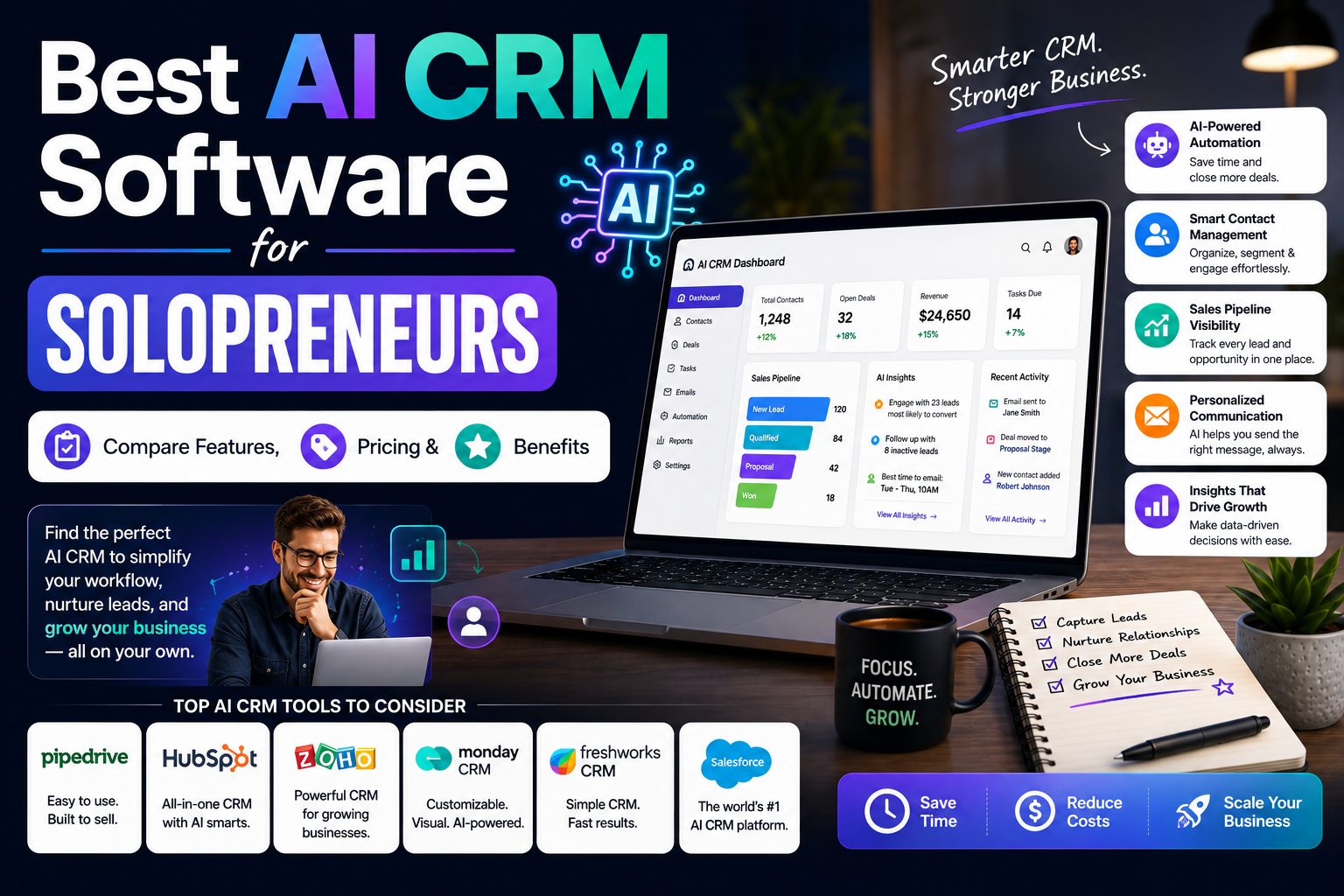
Running a one-person business means you are marketing, sales, delivery, and support in one body. The right AI CRM software can quietly handle a big chunk of that for you, but only if it fits how you actually work, not how a big sales team works.
If you’ve bounced between free trials and half-set-up tools, this guide will help you cut through the noise. We’ll compare the best options for solopreneurs, talk honestly about pricing, and match each tool to the kind of solo business it suits.
What Solopreneurs Really Need From AI CRM Software
Most solopreneurs don’t need enterprise-grade AI CRM dashboards or 40 different reports. You need a clear view of who to follow up with today, what’s in your pipeline, and which leads are worth your time.
For a typical small service business, that means a simple deal board, email tracking, basic automation, and a mobile app that doesn’t feel like an afterthought. Anything beyond that should earn its keep in saved hours or extra revenue.
Best AI CRM Software For Solopreneurs By Use Case
The tools below are picked for one-person businesses, not sales teams of 20. Each option shines for a slightly different type of work, from coaches to agencies to productised services, so match the tool to your main client flow before you commit.
Prices are approximate entry tiers in USD; UK and Canada users will usually see similar pricing with regional tax added at checkout.
Pipedrive: Visual Pipelines With Helpful Automation
Pipedrive is a classic CRM software choice for solos who like a kanban-style board and clear next steps on every deal. The interface makes it hard to lose track of prospects because everything revolves around moving deals forward.
Its AI “Sales Assistant” suggests which deals to focus on, flags risky inactivity, and can draft email follow-ups based on previous messages, which cuts down on admin time between calls.
- Best for: Consultants, agencies, B2B service providers
- Key perks: Strong email sync, visual pipeline, simple automations
- Pricing: From about $19/month for one seat
HubSpot Starter: All-In-One For Lead Capture And Email
HubSpot’s Starter suite gives you a generous free tier, then paid plans when you outgrow the basics. As a customer relationship management hub, it connects forms, email marketing, live chat, and deals in one place.
The AI features help with email drafting, subject line testing, and content suggestions, which is handy if writing outreach or nurture sequences tends to stall your progress.
- Best for: Content-led solopreneurs, course creators, inbound-focused freelancers
- Key perks: Strong free tier, integrated email, landing pages
- Pricing: Paid CRM suite from around $20/month
Close: Built For Calling And Follow-Up
Close is a sales-first tool that bundles email, calling, SMS, and pipelines in one sales CRM interface. If you do a lot of outbound, discovery calls, or demos, it keeps everything in one activity timeline.
Its AI features focus on call summaries and follow-up suggestions, so you spend less time on notes after each conversation and more time talking to prospects.
- Best for: High-touch B2B solopreneurs, cold outreach, agency owners
- Key perks: Built-in dialer, SMS, powerful search, sequences
- Pricing: From about $49/month for the Starter plan
Lightweight AI CRMs For Creators And Coaches
If your sales process feels more like nurturing a community than working a pipeline, a lighter CRM automation setup might make more sense than a heavy sales tool. You want easy scheduling, reminders, and simple broadcasts.
These options stay out of your way while still giving you enough structure to handle discovery calls, onboarding, and renewals without missing a beat.
Zoho CRM: Flexible And Budget-Friendly
Zoho CRM packs a lot for the price, which is why many solo founders start there and grow into its wider suite. For a AI sales tools stack on a budget, Zoho’s built-in assistant can suggest the best times to contact leads and surface deals likely to close.
The trade-off is that it takes a bit more setup time than simpler tools. Once you’ve tweaked fields and views to match your process, it’s solid for long-term use.
- Best for: Price-sensitive coaches, small agencies planning to hire later
- Key perks: Custom fields, strong reporting, email integration
- Pricing: From around $14/month per user
Notion + Super-powered Templates: DIY CRM For Tinkerers
If you like to design your own systems, Notion templates can work as a lightweight CRM for small business. With AI built into Notion, you can generate call notes, summarise meetings, and tag follow-ups without leaving your workspace.
This approach suits solopreneurs who already live in Notion for project tracking and content, and don’t need deep email or phone integrations.
- Best for: Creators, writers, solo product builders
- Key perks: Fully custom views, connected docs, AI summaries
- Pricing: Around $10/month for a paid plan with AI add-ons extra
Client Management Software For Services And Retainers
Service businesses that rely on repeat retainers need more than a basic contact list. Good client management software keeps contracts, invoices, tasks, and communication together so you don’t chase information across five apps.
The tools below blend CRM functions with project delivery so you can move from signed proposal to onboarding to ongoing work inside one system.
HoneyBook: CRM Meets Invoicing And Scheduling
HoneyBook targets solo creatives and agencies that send a lot of proposals and recurring invoices. As a business-focused business CRM, it covers lead capture, proposals, contracts, payments, and simple automation in one place.
Automated reminders nudge clients to sign, pay, or book calls, which cuts down on awkward chasing emails and keeps the admin side of your client experience tight.
- Best for: Designers, photographers, consultants, creative studios
- Key perks: Branded proposals, contracts, payment links
- Pricing: From about $19/month with frequent discounts
How To Choose The Right AI CRM As A Solopreneur
Before comparing features in detail, decide the one job this tool absolutely has to do for you. For some solopreneurs, that’s keeping follow-ups on track; for others, it’s making invoicing and onboarding painless inside a single CRM comparison shortlist.
Once that job is clear, you can ignore most feature tables and focus on how easy it feels to get through a normal workday using the tool.
Match The Tool To Your Sales Style
If most of your work comes from referrals, you probably don’t need complex CRM for small business features like multi-stage forecasting or team reporting. You need a reliable place to store contact history and a simple way to remember who to contact next.
If you do cold outreach or run ads to a funnel, prioritise tools with strong email deliverability, sequences, and tracking so you can see what’s actually producing revenue.
Check Pricing Against Real Revenue
It’s easy to talk yourself into a higher plan “for growth”, but as a solo founder you should connect the monthly fee to actual deals closed with your chosen CRM software stack. A $49/month tool is cheap if it helps you win one extra client per quarter.
On the flip side, a cheaper plan that you never log into is just digital clutter and lost focus, even if it only costs you a few dollars a month.
Simple Setup Steps To Get Value In Week One
Most people sign up, poke around, then postpone setup because it feels like a big project. Start with a bare-minimum customer relationship management setup that you can complete in an hour instead of chasing the perfect configuration.
You can always refine later once you’ve seen where deals and tasks fall through the cracks in real use.
- Import a clean list of current leads and clients from your spreadsheet or inbox.
- Create 4–6 deal stages that reflect your real process, not the template’s wording.
- Set up one or two simple automations, like post-call tasks or new-lead notifications.
- Connect your main email account so replies and conversations log automatically.
- Block an hour each week to review your pipeline and tidy up stalled deals.
Keep Your CRM Habits Realistic
Your AI CRM won’t help if you only touch it once a month. Aim for two short check-ins per weekday: five minutes in the morning to see who needs a nudge, and five in the afternoon to update deals you touched that day.
This kind of light, regular use tends to stick much better than one long “CRM admin day” that you start dreading and then quietly skip.
Conclusion
Picking the best AI CRM software as a solopreneur comes down to matching the tool to your sales style, client flow, and budget, then committing to simple daily habits inside it. The right choice should feel like a quiet assistant, not another project to manage.
Start with one of the tools in this guide, take it through a normal week of work, and be honest about how well it fits. When you land on a setup that keeps you on top of leads and clients with less effort, you’ll have a system that lets The AI Solo focus on doing the work, not just chasing it.