
Best AI Tools for Podcast Creators 2026
I spent 14 hours last week editing a single podcast episode. Cutting breaths, removing filler words, adjusting levels, writing show notes, creating social clips—by the time I finished, I wanted to throw my laptop out the window. And I’ve been podcasting for three years.
After testing 50+ AI tools specifically for podcast production, I found seven that actually save me 10+ hours per episode. Here’s what works, what doesn’t, and exactly what you’ll pay.
Quick Summary Table
| Tool | Best For | Price | Rating |
|---|---|---|---|
| Descript | All-in-one editing | $24/mo | 9/10 |
| Riverside.fm | Remote recording | $19/mo | 8.5/10 |
| Castmagic | Content repurposing | $39/mo | 9/10 |
| Adobe Podcast AI | Audio enhancement | Free | 8/10 |
| OpusClip | Video clips | $29/mo | 7.5/10 |
| PodcastAI | Show notes automation | $15/mo | 7/10 |
| Auphonic | Audio mastering | $11/mo | 8/10 |
1. Descript
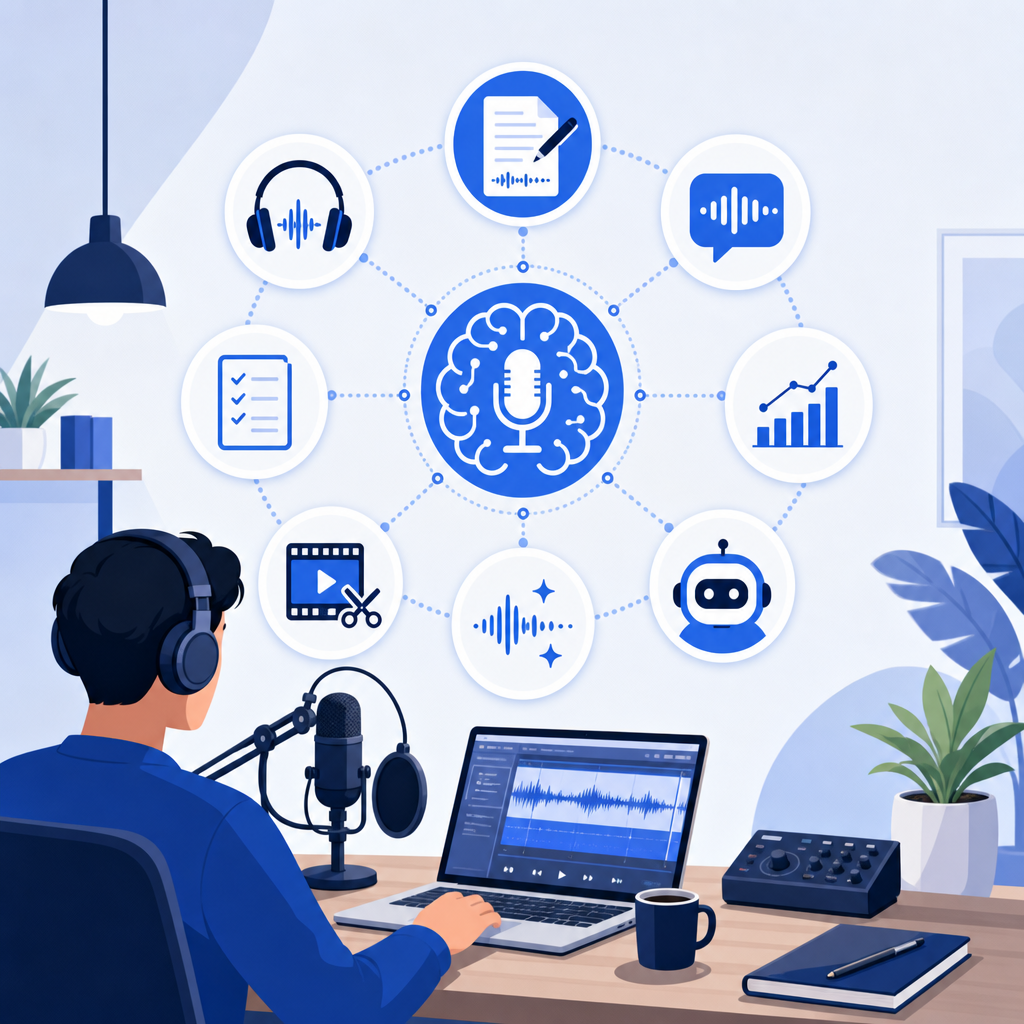
Best for: Solo podcasters who want to edit by deleting text instead of waveforms
Price: $24/mo (Creator plan)
This is the tool I use every single week. You upload your audio, it transcribes it, and you edit by literally deleting words in the transcript. Delete “um” from the text and it disappears from the audio. It sounds like magic until you use it for 10 minutes.
- ✅ Overdub feature lets me fix mistakes by typing—I recorded myself saying my sponsor name wrong, typed the correction, and it generated my voice saying it correctly
- ✅ Studio Sound removes background noise so well my wife’s interruption mid-recording completely disappeared
- ✅ Filler word removal is one-click—removed 87 “ums” from my last episode in 3 seconds
- ❌ The AI voice clone requires 10 minutes of training audio and still sounds slightly robotic for longer sentences
2. Riverside.fm
Best for: Interview podcasters recording remote guests
Price: $19/mo (Standard plan)
I’ve used Zoom, Zencastr, and SquadCast. Riverside wins because it records locally on each person’s device—so even if the internet drops, you get pristine audio. I learned this the hard way when my guest’s WiFi died 30 minutes into our conversation and I still got perfect 48kHz WAV files.
- ✅ AI transcription is included and accurate enough I only fix 2-3 words per hour of content
- ✅ Separate audio tracks for each speaker saved me when my guest’s dog barked for 20 seconds straight
- ✅ Magic Clips automatically creates short vertical videos from your episode—generated 8 clips from my last interview, I used 3 on Instagram
- ❌ The video editor is basic compared to Descript—you can’t edit by text, only traditional timeline editing
3. Castmagic
Best for: Podcasters who want to squeeze 20 pieces of content from one episode
Price: $39/mo (Starter plan)
Upload your podcast episode and Castmagic spits out show notes, timestamps, social posts, quote cards, email newsletters, blog posts, and LinkedIn articles. I was skeptical until I uploaded a 45-minute episode and got a 1,200-word blog post that only needed 10 minutes of editing.
- ✅ Custom prompts let me create my own templates—I built one that generates “5 key takeaways” formatted exactly how my audience likes them
- ✅ Quote extraction pulled 12 shareable quotes from my last episode and I didn’t write a single one
- ✅ ChatGPT integration means you can ask questions about your episode—”What were the three frameworks mentioned?” works perfectly
- ❌ At $39/mo it’s pricey if you only publish one episode weekly, though I save 4 hours per episode so it pays for itself
4. Adobe Podcast AI
Best for: Podcasters recording in less-than-perfect environments
Price: Free (with Adobe account)
Adobe’s “Enhance Speech” is honestly terrifying in how good it is. I recorded a test episode in my echoey bathroom with a fan running. Uploaded to Adobe Podcast AI, clicked enhance, and it sounded like I was in a professional studio. My audio engineer friend didn’t believe me until I showed him the before/after.
- ✅ Completely free with no usage limits I’ve hit—I’ve processed 40+ hours of audio without paying anything
- ✅ One-click enhancement takes 30 seconds per hour of audio and the quality jump is immediately noticeable
- ✅ Works on already-recorded audio so you can fix old episodes recorded with bad equipment
- ❌ Only does audio enhancement—no editing, transcription, or other features, so you’ll need other tools too
5. OpusClip
Best for: Video podcasters who need vertical clips for TikTok, Reels, and Shorts
Price: $29/mo (Pro plan)
Upload your video podcast and OpusClip finds the “viral moments,” cuts them into vertical videos, adds captions, and gives each clip a virality score. I posted 5 clips it generated from my last episode—one got 47K views on TikTok and I spent zero time editing.
- ✅ AI identifies actual engaging moments—it picked a 47-second section where I told a specific story that I wouldn’t have thought to clip myself
- ✅ Auto-captions are 95% accurate and save me from paying $30 per video to my previous captioner
- ✅ Brand templates let me customize colors and fonts once, then every clip matches my brand automatically
- ❌ Virality scores are hit or miss—it rated one clip 89/100 that got 200 views, and another 62/100 that got 47K views
6. PodcastAI
Best for: Podcasters who hate writing show notes
Price: $15/mo (Basic plan)
Does one thing extremely well—generates show notes. Upload your episode, wait 5 minutes, get formatted show notes with timestamps, key points, and guest bios. The quality is good enough that I paste it directly into Buzzsprout without editing 80% of the time.
- ✅ Timestamp accuracy is perfect—every time marker I’ve checked is within 2 seconds of the actual moment
- ✅ Guest bio extraction pulls info from the episode and formats it professionally without me looking anything up
- ❌ Only does show notes—for the same price Castmagic does way more, though PodcastAI’s notes are slightly better formatted
7. Auphonic
Best for: Podcasters who want professional audio mastering without the learning curve
Price: $11/mo (9 hours of processing)
Auphonic automatically balances levels, normalizes loudness to podcast standards, and adds compression/limiting. I upload my Descript-edited file, Auphonic processes it, and it sounds broadcast-ready. My podcast went from -18 LUFS to -16 LUFS (industry standard) without me touching an EQ.
- ✅ Loudness normalization means my episodes sound consistent volume-wise across Spotify, Apple Podcasts, everywhere
- ✅ Batch processing lets me queue up 4 episodes Sunday night and wake up to finished files Monday morning
- ✅ Adaptive leveler fixed an episode where my guest was 40% quieter than me—you can’t tell in the final version
- ❌ 9 hours monthly limit means if you publish more than 2 long episodes weekly you’ll need the $24/mo plan
How to Choose the Right Tool
Ask yourself these three questions before buying anything:
- If you’re editing audio for the first time → start with Descript because editing text is 10x easier than learning waveform editing, and the free plan gives you 1 hour of transcription monthly to test it
- If you record video interviews remotely → use Riverside because the local recording feature means you’ll never lose footage to bad internet again, and it includes transcription so you don’t need Descript immediately
- If you’re on a tight budget → use Adobe Podcast AI (free) for enhancement plus Descript’s free plan (1 hour/month) and only upgrade when you’re consistently hitting limits
Final Verdict
After three years and hundreds of episodes, I use Descript for editing (saves me 6 hours per episode), Riverside for recording guests (zero audio quality anxiety), and Castmagic for repurposing (turns one episode into two weeks of social content). If I could only pick one, Descript wins because text-based editing changed my entire workflow.