
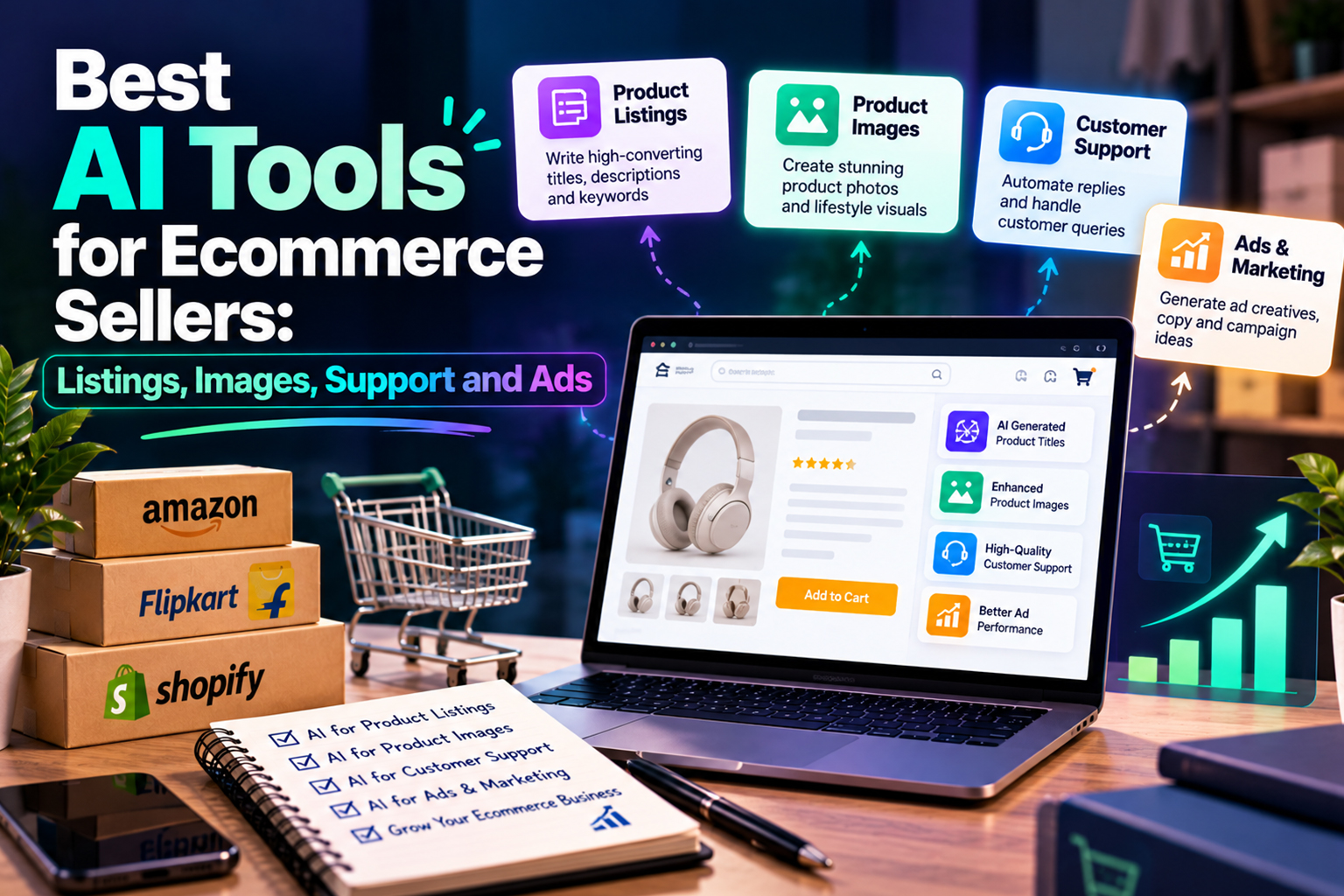
Ai tools for freelancers selling online are really about cutting the boring repeat work so you can spend more time on products and customers. If you run an Etsy shop, a small Shopify site or a lean Amazon catalog, you feel every weak listing, soft image and slow reply in your sales.
Right now the question is where to put AI so you stop doing the same work twice and stop paying for tools you never open. We will walk through listings, images, support and ads so you can see which jobs suit AI, how to test tools without wrecking your store and when to cancel a tool that is only adding noise. Posts on stacks like AI Tools for Freelancers give wider context, but here we will stay close to ecommerce.
Where AI Fits In A One Person Ecommerce Operation
The first thing to admit is that most ecommerce work is repetitive, structured and dull, which makes it perfect for ai tools for freelancers. Titles follow patterns, descriptions repeat benefits and support chats repeat policies you already know by heart.
We see the best gains when sellers pair writing tools with something focused on ai automation for freelancers so you are not pasting content in and out of ten different tabs all day. If a tool cannot plug into your browser or store in a clean way, it usually ends up unused by week three, which is why round ups of broader stacks like AI Tools for Solopreneurs always talk about real workflow fit.
Deciding What To Automate First
The quickest win is usually whatever you already copy and tweak from an older product. For many sellers that is titles and descriptions, so an AI tool to write Etsy listings or something similar makes more sense than a research dashboard you will barely open.
Support replies and basic image work often come next once listings are under control, and tools from the ai automation tools camp can sit in the background and trigger from tags or inbox rules instead of you doing everything manually.
AI For Product Listings On Etsy Amazon And Shopify
Strong listings do two jobs at once, they speak to human buyers and they satisfy marketplace search. General chat tools can get you halfway, but for marketplace work they often miss specific rules and character limits that matter for ranking and for account safety, which is where focused ai tools for solopreneurs tend to behave better.
Specialised writing tools for sellers usually give you fields for title and bullets as well as description by default. If you are picking from a longer list like wider Best AI Tools by Use Case collections, look for templates that name Etsy, Amazon or Shopify directly rather than only blog or website content.
Prompt Patterns That Actually Work
The gap between an average AI listing and a strong one is usually the brief you feed in. Generic prompts like write an Etsy title give you the same mush everyone else gets.
Instead, spell out material, buyer type and search phrase. For example, ask for several short Etsy titles that mention the main keyword once, avoid emojis and stay under the character cap, then refine from there with the kind of AI Prompts for Freelancers you can reuse across your shop.
Common Listing Mistakes With AI
Blanket rewrites of your whole catalog in one style usually go badly, because marketplaces flag sudden changes and loyal buyers notice when your voice disappears overnight. Batch work is fine, just keep it in small runs and check live results before you push on.
Over optimised copy is the other trap. Stuffing a description with every keyword variation AI suggests rarely helps search and often makes the text unreadable, which is where even the best tools described in posts like Canva AI vs Adobe Express still need a human hand for the final pass.
AI Product Photos And Basic Visuals
Most small sellers hit a ceiling with their images because they do not have a studio, pro lighting or the skills to edit every shot. That is where tools promising AI product photos for ecommerce start to look tempting.
Image generators are very good at clean backgrounds and consistent lighting. Posts like Free AI Image Generators walk through which tools give you commercial rights that work for real brands without legal headaches down the line.
What AI Can And Cannot Do For Images
AI is strong at backdrop changes, shadow tweaks and adding props around a clear product shot. It struggles with fine detail on textured products, reflective surfaces and anything where scale or proportion really matter, like furniture or fitted clothing.
A sensible workflow is to shoot one honest base image for each product, then use tools from guides like AI Tools for Podcast Creators or other creative stacks as a reference point for how to spin up seasonal variants, ad versions and social content without dragging out a camera again.
Support And An AI Chatbot For Your Store
Fast, consistent replies are one of the few advantages a small shop has over big marketplaces, which is why strong AI chatbot for Shopify store setups are starting to appear in even one person teams. The goal is not to pretend a bot is you, it is to stop you answering the same few questions all day.
Before adding any bot, tidy your policies and canned replies so the training data is clean. Once that is in place, tools in the ai customer support automation space can sit on top and share the same answer set across chat, email and sometimes social DMs.
Where AI Support Works Best
AI handles pre purchase questions well, things like shipping times, sizing notes and refund rules, as long as the reference text is accurate. It also does a good job on simple order lookups once the integration to your platform is safe and tested.
Refund disputes, custom orders and anything with legal or safety angles still need a person. That is fine. The point is to let the bot take the routine batch of tickets so your live replies can focus on the cases where your judgment actually moves revenue.
Ads Content And Creative Variants
Ad platforms reward constant testing, but writing a stack of headline variants is numbing work. AI does not know your brand like you do, yet it is very good at punching out rough drafts for you to prune.
Start by building a short bank of your strongest headlines and product angles, then feed those into one of your existing tools from guides like AI Social Media Tools for Solopreneurs (2026) rather than paying for a separate ads only subscription for a single channel.
Testing AI Variants Safely
Never roll out a tool generated headline or image across your whole account in one go. Instead, run small split tests against a proven control and cap the spend per test while you see how the AI tone lands.
Creative work is one area where curated stacks such as guides on ai automation tools can keep experiments under control instead of pushing you to chase every new feature that appears for ads.
Best AI For Marketplace Sellers
If you are trying to pick the best AI for Amazon sellers ignore glossy feature lists for a moment and look at a few basics instead. Does the tool actually connect to your marketplace account, does it respect listing rules and does it give you control over what gets changed.
More general bundles pitched as ai tools for freelancers can still work for Amazon, Etsy and Shopify, as long as they either give you marketplace specific templates or they let you lock down fields like SKUs and identifiers so nothing critical is touched by accident. Posts on broader stacks such as AI Tools for Online Course Creators show the same pattern, the tools that win are the ones that fit the platform rules.
Watching Costs And Creep
Most AI tools start cheap then creep up as your usage grows. That can be fine if your revenue tracks with it and painful if you add tools that all do the same job in slightly different ways.
Before adding a new listing or ads tool, check whether something in your current stack from categories like ai tools for solopreneurs or ai automation tools can be pushed a little harder instead of paying for yet another monthly bill.
Conclusion
For small ecommerce sellers, the right ai tools for freelancers are the ones that ship clean listings, honest images and quick replies without dragging you into more admin. The wrong tools look clever in demos, then sit unused while your store work piles up again and you go back to copy pasting. If you’d like help with this, reach out through our Contact Us page.
Start with listings, then images, then support and ads, and give each new tool two quiet weeks to prove that it saves more time or money than it costs before you keep it in your stack, with The AI Solo guiding your picks.
Frequently Asked Questions
Q1. Are AI generated product descriptions allowed on Amazon and Etsy
Ans. Both platforms focus on the outcome, not the method, so AI written content is generally allowed if it follows their rules. You still need to avoid prohibited claims, keep details accurate and match category guidelines. When in doubt, review the latest policy pages for each marketplace before scaling a new workflow.
Q2. How do I stop AI listings from sounding generic
Ans. Feed the tool real phrases from your buyers and your own voice, not just keywords. Shorten any repeated patterns it keeps using and add one or two concrete details per product that only you would know. Over time, save your favourite prompts and examples so new products start closer to your style.
Q3. Can I use AI images for my product thumbnails
Ans. You can, but keep them honest and consistent with what arrives in the box. Many sellers use AI only for backgrounds and lifestyle context while keeping the core product photo from a real shot. Before publishing, check that rights and usage terms on the tool allow commercial ecommerce use.
Q4. What should I put into an AI chatbot for my store
Ans. Start with shipping FAQs, sizing guides, return policies and a small set of your best human replies. Then add product specific notes, like common fit feedback or material care tips. Review early conversations often and adjust any answers that confuse buyers or create new support work.
Q5. How many AI tools does a small ecommerce seller really need
Ans. Most small sellers do well with one main writing assistant, one image tool and one support or automation layer. Extra research or analytics tools only start to pay off once you are running consistent volume and already using the basics every week. Fewer tools used well beat a crowded stack you rarely open.
Q6. Do I need technical skills to connect AI tools to my Shopify store
Ans. Many Shopify friendly tools install through apps that guide you through basic steps like permissions and theme placement. You still need to read prompts carefully, test on a draft theme or a few products first and make sure anything that touches orders is behaving correctly. If something feels unclear, slow down and get support from the app provider before going live.