
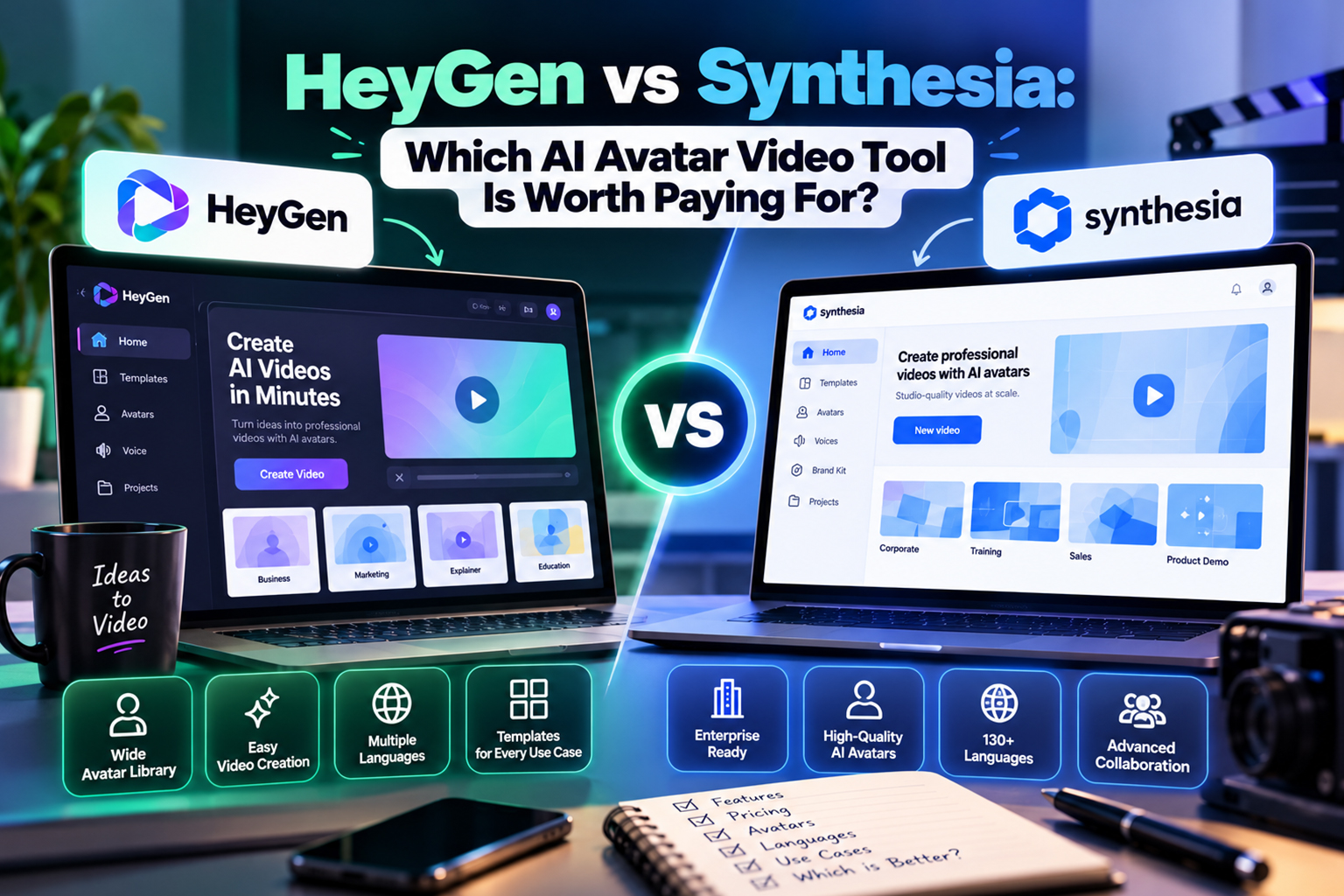
AI writing tools only really pay off when they sit beside a solid avatar video tool, because you can turn a script into a human looking video without losing a full day to filming. If you are weighing HeyGen vs Synthesia, you are really choosing how you want those written scripts to show up on screen, how much you are willing to pay and how much control you want over the avatar itself.
Right now you probably want fewer tabs open and one clear recommendation, not another vague feature list. In this comparison we will walk through how both tools price their plans, how real the avatars feel, how they behave inside course workflows and what happens once the free credits run out, so you can decide which one deserves a paid spot in your stack and where tools like ai writing tools or simpler video options can carry more of the work.
Who HeyGen And Synthesia Suit Best
HeyGen and Synthesia both turn written scripts into talking head videos with AI avatars, but they make different people happy. Synthesia leans into teams that care about brand control, localization and repeatable training content across several departments.
HeyGen feels friendlier if you are a solo course creator, coach or consultant who wants speed and variety more than rigid brand rules. If you are looking at several tools at once, it helps to scan real world stacks in collections like ai tools for solopreneurs so your avatar platform does not quietly become the most expensive subscription you pay for each month.
Pricing And Plan Trade Offs
The question people ask first is simple. is HeyGen cheaper than Synthesia for the way you work. The honest answer is that headline prices often sit close, and the real difference shows up in how many video minutes you get, which features stay locked and how collaboration works on each tier.
Before you pay, write down how many avatar videos you release each month, roughly how long they run and which ones need more than one language or version. Then cross check that with any free trials or credits you already use from tools in roundups like Free AI Video Generators. You may find that only a slice of your video work really needs a paid avatar tool at all.
Understanding HeyGen Free Plan Limits
Plenty of people first try HeyGen through the free tier and hit HeyGen free plan limits after a weekend of testing. You usually see a tiny pool of video minutes, watermarks on exports and tight caps on resolution or commercial rights.
Those caps are there on purpose. If you are serious about bringing avatars into your marketing or course delivery, the free plan is only there to test avatar looks, lip sync quality and language support before you move to a paid tier. It is not there to carry your whole video pipeline for months.
Avatar Quality And Realism
The next concern is simple, how realistic are AI avatars from each tool and will your audience care that they are synthetic. Both platforms moved a long way from stiff mannequin faces, but they still look more natural inside certain frames and formats.
Synthesia usually keeps avatars a bit reserved, with safe gestures and flatter expressions that do not distract in corporate training or compliance videos. HeyGen often gives you slightly more expressive faces and casual wardrobe options, which match creator style intros and pair well with script workflows you may already run through comparison pieces like Claude AI vs ChatGPT for Writing.
Voice, Lip Sync And Body Language
Avatar realism lives in the voice, the mouth and small movements. Both HeyGen and Synthesia sync lips to audio well enough for most viewers on phones and laptops, though full screen playback on a TV still shows the odd syllable that lands a beat off.
If your brand leans on trust and personal tone, start by recording custom voice samples instead of sticking with the stock voices. Then run a polish pass on your script with tools reviewed in the AI Writing Assistant Suite Review so the avatar reads lines that sound like a real person on your team.
Workflows For Course Creators
For long form education, the real test is how each tool handles AI avatar video for course creators over dozens of lessons, not just a single promo clip. You need stable framing, titles that stay consistent from module to module and scripts that still feel human once a learner has your voice in their ears for an hour.
Synthesia works well for teams that want locked templates, consistent lower thirds and structured localization when you offer the same course in several languages. HeyGen is better for faster experiments, trying different avatar looks across modules and pairing live screen recordings with a talking head in the corner when you walk through software.
Repurposing Scripts From Other Channels
If you already write newsletters, blog posts or podcast outlines, you are not starting from zero. We often see a stack where long form text begins in core ai tools for freelancers and then gets tightened for speech and pasted into HeyGen or Synthesia as the voiceover script.
For podcasters especially, combining avatar clips with the editing setups in the latest AI Tools for Podcast Creators guide covers short promo reels without another full studio session every time a new episode ships.
Collaboration, Branding And Control
Once you move past solo tests, guard rails start to matter. Synthesia offers stronger features for shared asset libraries, approved templates and multi user projects, so it suits marketing or learning teams where designers, writers and reviewers all touch the same files.
HeyGen leans more into quick experiments and small team workflows. That can work well if you document a simple brand guide yourself and support it with systems in the ai tools for small business category to keep scripts, visuals and distribution pointed in the same direction.
Data, Privacy And Compliance Basics
Both tools ask for scripts and sometimes your own face or voice if you build a custom avatar, so their terms and privacy pages are not optional reading. Pay attention to how they store training data, how you can revoke a custom avatar and what happens to stored content if you cancel your plan.
If you work with client material, get written consent before cloning any face or voice and avoid dropping confidential details into prompt fields. Larger companies should bring legal or compliance into the choice process early, especially in health, finance or other regulated spaces.
Choosing Based On Your Content Mix
Your existing content calendar should steer your tool choice. Map the next quarter of lessons, promos and social clips, then count how many really need a talking avatar instead of B roll with captions or simple screen recordings.
For everything that does not need a face on screen, cheaper tools in groups like ai automation tools or basic editors with subtitles may be enough. That lets you stay on a lighter avatar plan while still hitting your video output goals.
How They Fit With Your Tool Stack
Most creators already pay for a set of editors, schedulers and script tools, so HeyGen or Synthesia have to earn their place. If written content is still where your revenue comes from, we suggest anchoring your setup on strong ai productivity tools first, then adding avatars once you see which posts or email flows keep pulling in leads.
Solopreneurs who sell courses, coaching or consulting usually move faster when they standardise their stack early and review it once a year, the same way we organise collections like Best AI Tools by Use Case.
Conclusion
Between HeyGen and Synthesia, there is no single right choice for everyone who leans on ai writing tools, but there is usually a clear winner once you are honest about volume, audience and budget. Teams that care most about governance and localization often end up on Synthesia, while solo and small creators who want more avatar variety and a lighter feel often start with HeyGen.
If you are still unsure, run the same short script through both tools, export sample clips and decide which one you would put on your site without hesitation. If you want help comparing them with the rest of your setup, contact The AI Solo through the Contact Us page.
Frequently Asked Questions
Q1. Is HeyGen or Synthesia better for first time course creators?
Ans. For a solo course creator starting from scratch, HeyGen often feels more approachable and flexible on avatar style and pacing. Synthesia is stronger if you already know you want structured templates and multi language versions. The best way to judge is to build a single sample lesson intro in each and compare how they feel inside your real course player.
Q2. Can AI avatar videos fully replace live recordings?
Ans. They can replace many repeatable talking head segments, such as standard explanations, onboarding steps or quick promos. They do not replace live recordings for high stakes sales calls, deep coaching or sessions that lean heavily on personal chemistry. Most creators get better results with a mix that keeps live video for connection and uses avatars for content that repeats.
Q3. How long does it take to make a video with HeyGen or Synthesia?
Ans. Once you know the interface and have a clean script, single slide avatar videos often take minutes to set up plus render time. Complex projects with multiple scenes, assets and review rounds take longer, closer to editing a short screencast. The real time saver is how quickly you can create variants or fix mistakes without reshooting.
Q4. Are AI avatar videos good enough for paid products?
Ans. Many creators and companies already use avatar videos inside paid courses, memberships and internal training. The bar is higher though, so you need strong audio, natural scripts and visuals that match the rest of your brand. For modules that rely on emotional nuance or live demos, mix in real footage rather than using avatars alone.
Q5. What hardware do I need to run these AI avatar tools?
Ans. Both HeyGen and Synthesia run in the browser, so you do not need a high power editing machine. A reliable internet connection, current browser and comfortable keyboard for writing scripts are usually enough. If you record your own voice or footage, putting budget into a decent microphone and a quiet room matters more than an expensive computer.
Q6. Can I use my own face as an AI avatar?
Ans. Both platforms offer ways to create custom avatars based on your own likeness, usually on higher tier plans with extra terms. Read those terms carefully before uploading any footage so you understand usage rights, how your data is stored and how removal works. Be cautious about cloning anyone else, even with permission, because rules and platform policies in this area are still shifting.