
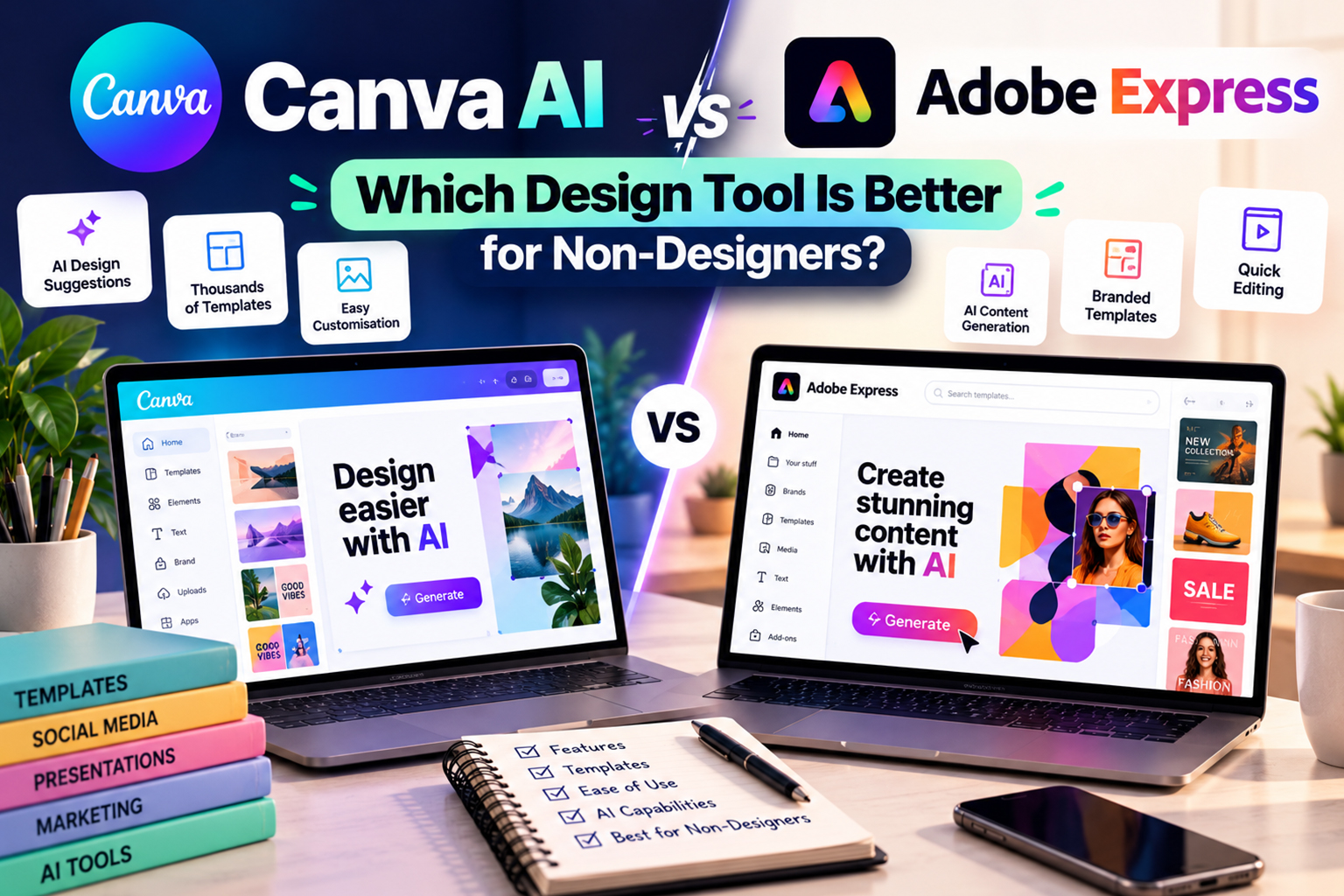
Ai tools for solopreneurs only matter if they actually save you time instead of sending you down another feature rabbit hole. Canva AI and Adobe Express both promise fast, good looking design for people who are not designers, but they come at the problem from slightly different angles and fit into your wider tool stack in different ways.
If you are running a solo business and trying to pick one tool for social posts, lead magnets, thumbnails and the odd presentation, you need to know where each of these starts to fight you. We will walk through real workflows, pricing, how the AI feels to use and which tool is kinder to non designers so you can choose one, set it up properly and move on.
Who These Tools Are Really Built For
Both platforms say they are for everyone, but the experience is not the same if you are a solo coach posting Reels daily versus a consultant building PDF reports for clients. Canva feels like a general purpose visual notebook that grew into a full studio, while Adobe Express feels like Adobe trying to give you a simplified version of its big tools. If you want to see how design tools sit alongside schedulers and writers, the category Best AI Tools by Use Case is a useful frame.
For most one person businesses, the main decision is whether your work is mostly quick social content or if you also touch brand level work like slide decks, proposals and light photo editing. If your time is split between delivery and marketing, you will feel any friction in your design tool fast. Canva leans toward quick content and broad templates, while Adobe Express leans toward people who care more about typography and photography.
Ease Of Use For Non Designers
If you are asking which is easier Canva or Adobe Expressthe honest answer is that Canva feels more obvious on day one for most people. The interface is closer to how non designers think, with big visual categories, drag and drop controls and clear ways to resize for different formats.
Adobe Express has improved a lot, but it still carries some of Adobe’s DNA, which means more menus, more terms from pro design and the odd moment where you are not sure if a feature lives here or in Photoshop. For someone already deep into Adobe, that is fine, though a new solopreneur might prefer to keep the learning curve for design as flat as possible while they focus on sales and delivery. If you care more about overall productivity than pixel perfection, posts like AI Tools for Freelancers show how design fits into a broader one person workflow.
Onboarding And First Week Experience
Onboarding is where non designers either commit or bounce. Canva asks what you want to create, drops you into templates and lets you get messy without fear of breaking anything. The whole thing is built so you can get a usable post out within an hour of signing up.
Adobe Express does start with templates, but some flows feel like they were simplified from a more complex tool rather than designed from scratch for a solo business user. That difference shows up when you try to do unusual layouts or when you want to create a small set of brand templates you can reuse every week. If social content is the priority, you will probably pair either tool with some form of ai social media automation so that new designs actually get posted.
Templates, Fonts And Asset Libraries
Template quality is often what matters most to people who do not think in grids and spacing. Canva’s template library is large across social, print and presentations, with a lot of content made in the last few years so it does not feel stale.
Adobe Express leans on Adobe’s strengths in fonts and stock, which is good if you care about typography and want closer control over type across your materials. If you only need a clean, on brand post and you are more focused on caption writing or picking from tools like AI Social Media Tools for Solopreneurs (2026)Canva’s template breadth will probably matter more than fine font control.
How The AI Features Actually Help
Both tools now ship with AI for text and images, but the feel is different. Canva’s AI features sit directly on the canvas, so you can rewrite a text box, extend a photo background or generate a quick illustration while you are already designing.
Adobe Express taps into Adobe’s more advanced image models, which can matter if you are creating more detailed visuals or working from product photos you want to adjust. For many simple brand posts, though, the speed of on canvas editing is often more important than raw model power. Many solo founders already lean on dedicated writing tools, such as the stack reviewed in the AI Writing Assistant Suite Review.
Text And Caption Support
Text generation inside design tools is meant for short, punchy lines and quick rewrites, not long sales copy. Canva’s AI writing inside the editor works fine for captions and small tweaks, but you usually get better depth by starting in a focused writer, then pasting into your design.
Adobe Express has similar limits on text, even if it draws on the wider Adobe ecosystem, so treat both tools as helpers for headlines and overlays rather than your primary writing environment. If content is a major part of your work, it can help to pair either tool with something from the Best AI Tools by Use Case category so your long form writing has a proper home.
AI For Images And Video
Image generation is where many non designers get excited, then realise they have to think about rights, style and file formats. Canva’s AI image tools are fine for background textures, simple scenes and abstract elements, especially when you mix them with its existing photo library.
Adobe Express pulls from Adobe’s image tech, which has been tuned for photography and commercial use cases. If you are already experimenting with clips from Free AI Video Generatorsyou might find Adobe’s ecosystem more comfortable for motion work, though for quick Reels covers and story graphics, Canva’s simpler controls usually win.
Pricing, Free Plans And Upgrades
A big question for any solo operator is is Adobe Express freebecause recurring subscriptions stack up fast across your stack. Adobe does offer a free tier with basic templates and features, but several of the more advanced brand tools and premium assets sit behind a paid plan.
Canva also has a free plan that covers a lot of ground for general social posting, but serious brand building usually pushes you toward its paid level so you can lock in brand kits, upload custom fonts and export higher quality formats. If you are already paying for several tools from the ai automation tools category, it is worth checking which design app overlaps most with what you have so you do not double pay for the same feature.
Which Tool Gives More For Solopreneurs
Value depends on what else you pay for every month. If you already have a Creative Cloud subscription, Adobe Express can feel like a free bonus that gives you quick exports without opening heavier tools.
For someone outside that ecosystem, its pricing can feel like one more bill. Canva tends to be easier to justify as your main visual tool, especially if you use it for slides, PDFs and small website assets as well as social. For many solo founders, the paid plan effectively replaces a junior designer for low risk work, much like how AI Social Media Tools for Solopreneurs (2026) replace a lot of manual scheduling tasks.
Social Media And Content Workflows
Many people looking at Canva vs Adobe Express for social media care less about tiny visual differences and more about how fast they can ship content. Canva integrates tightly with several schedulers and has its own basic publishing tools, which makes it easier to go from template to queue in one sitting.
Adobe Express has social templates and can export straight to some platforms, but the workflow often sends you back into other parts of Adobe or out to separate scheduling tools. For a solo business, fewer moving parts usually means fewer mistakes, especially when content already passes through tools covered under ai automation for solopreneurs.
Batching And Repurposing Content
Batching is the only way a one person business keeps social media from swallowing the week. Canva’s resize and brand kit features make it simple to create one base design, then adapt it to multiple platforms and formats in a single session.
Adobe Express can also handle resizing and variation, but some users find they spend more time nudging elements after the resize. If your social strategy is heavily built on repeated formats, it is worth testing which tool lets you duplicate and adjust a full week of posts in under an hour. You can then plug those posts into whatever ai social media automation setup you already use.
How They Fit Into Your Wider AI Stack
Design is only one part of your solo stack. Most solopreneurs already juggle writing tools, schedulers, CRMs and automations, so you want a design app that fits cleanly into the rest. Canva plays nicely with many mainstream tools, from cloud storage to basic website builders.
If you are building a more deliberate stack of ai tools for solopreneursthinking about integrations and export formats up front will save you from redoing workflows later. For a deeper look at how all these pieces fit, guides like AI Tools for Solopreneurs and The Ultimate AI Tech Stack for Solopreneurs (2026 Guide) lay out complete stacks you can adapt.
When To Outgrow These Tools
At some point, some solo businesses outgrow Canva or Adobe Express for parts of their work. If you start running paid ads at scale or need complex, multi page brochures, you may want a designer using pro tools while you keep a simpler app for day to day updates.
Until that happens, your main job is to pick one visual platform, learn it deeply enough that you stop thinking about the tool itself and then keep your templates tight. Swapping tools every few months is almost always more expensive in time than sticking with one and refining your system. If you feel your broader automation is messy, it can help to review categories like ai automation tools and decide where design really fits.
Conclusion
Both Canva AI and Adobe Express can work well as part of your ai tools for solopreneurs stack, but they shine in different situations. Canva is usually kinder to non designers who live in templates and social content, while Adobe Express makes more sense if you are already inside the Adobe ecosystem or care more about photography and brand level control. If you’d like help with this, reach out through our Contact Us page.
For most solo founders, the best move is to pick the one that feels less confusing after a week of real use, then commit and build a small library of reusable assets. If you want help mapping that choice to the rest of your tech stack, The AI Solo has guides across tools, scheduling and writing so you do not lose days testing every new app that appears.
Frequently Asked Questions
Q1. Which is easier for beginners, Canva or Adobe Express?
Ans. Canva is usually easier for beginners because the interface is more visual and forgiving for people without design experience. Adobe Express is cleaner than older Adobe tools but still carries some complexity. If you want to get social posts out the same day you sign up, Canva tends to feel more natural.
Q2. Can I run my whole solo business design work from just one of these tools?
Ans. Yes, many solopreneurs run social graphics, simple PDFs, thumbnails and basic slide decks from a single design app. The limit comes when you need more complex layouts or strict brand guidelines. At that point you may still use Canva or Adobe Express for everyday content and bring in a designer for higher stakes assets.
Q3. Is Adobe Express free for long term use or only a trial?
Ans. Adobe Express offers a free tier that you can use long term, not just a short trial. The free plan has restrictions on some premium templates, images and advanced features. If the free version covers your regular work, you can stay on it, though growing needs may push you to a paid plan.
Q4. Do I still need separate AI writing tools if Canva or Adobe Express can generate text?
Ans. The AI text tools inside these design apps are good for short captions and headlines, not full articles or in depth sales pages. Separate AI writing tools usually have stronger controls, better long form output and more ways to manage tone. Many solo business owners draft text in a dedicated writer, then polish short bits inside the design tool.
Q5. Which tool is better for social media video content?
Ans. Both tools can create simple social videos and motion posts, though neither replaces a full video editor. Canva is usually easier for quick story clips and animated posts pulled from existing templates. Adobe Express ties in better if you already use Adobe software for video editing and want consistent visuals between stills and clips.
Q6. How do I decide between Canva and Adobe Express without wasting time?
Ans. The fastest way is to pick one real content batch, such as a week of posts, and build it in each tool using only free plan features. Track how long you spend, how often you get stuck and how happy you are with the final posts. The tool that feels calmer and quicker for that real task is usually the right one for your business.