
Ai automation for freelancers is really about buying back your own time without locking your business into a tool that does not fit how you work. Right now that choice usually starts with a blunt question, which version of ChatGPT you should actually pay for when you are just one person running a small business.
If you are torn between Plus, Pro and Team, you will get a clear breakdown of what each plan is designed for, how their limits hit solo workflows and where the marketing copy hides trade offs. We will also look at how those plans sit alongside other tools you may be using, so you can pick one and get back to building your client work instead of endlessly comparing upgrade tables in new tabs. If you’d rather hand this part over, it’s the kind of work our Ai automation tools team handles every week.
What Solo Businesses Really Need From ChatGPT
Before you worry about plan names, get clear on what role AI will actually play in your day. If your work already leans on ai automation for freelancersyou are probably using AI across two big buckets of work, pre client research and real production work.
For research you need fast, reliable answers and the ability to attach files or past work, which is where tools like the ones in AI Tools for Freelancers already help. For production work you care more about context windows and how many messages you can send in a busy day, especially when you are pushing long briefs and revisions for paying clients.
Quick Overview Of ChatGPT Plus Pro And Team
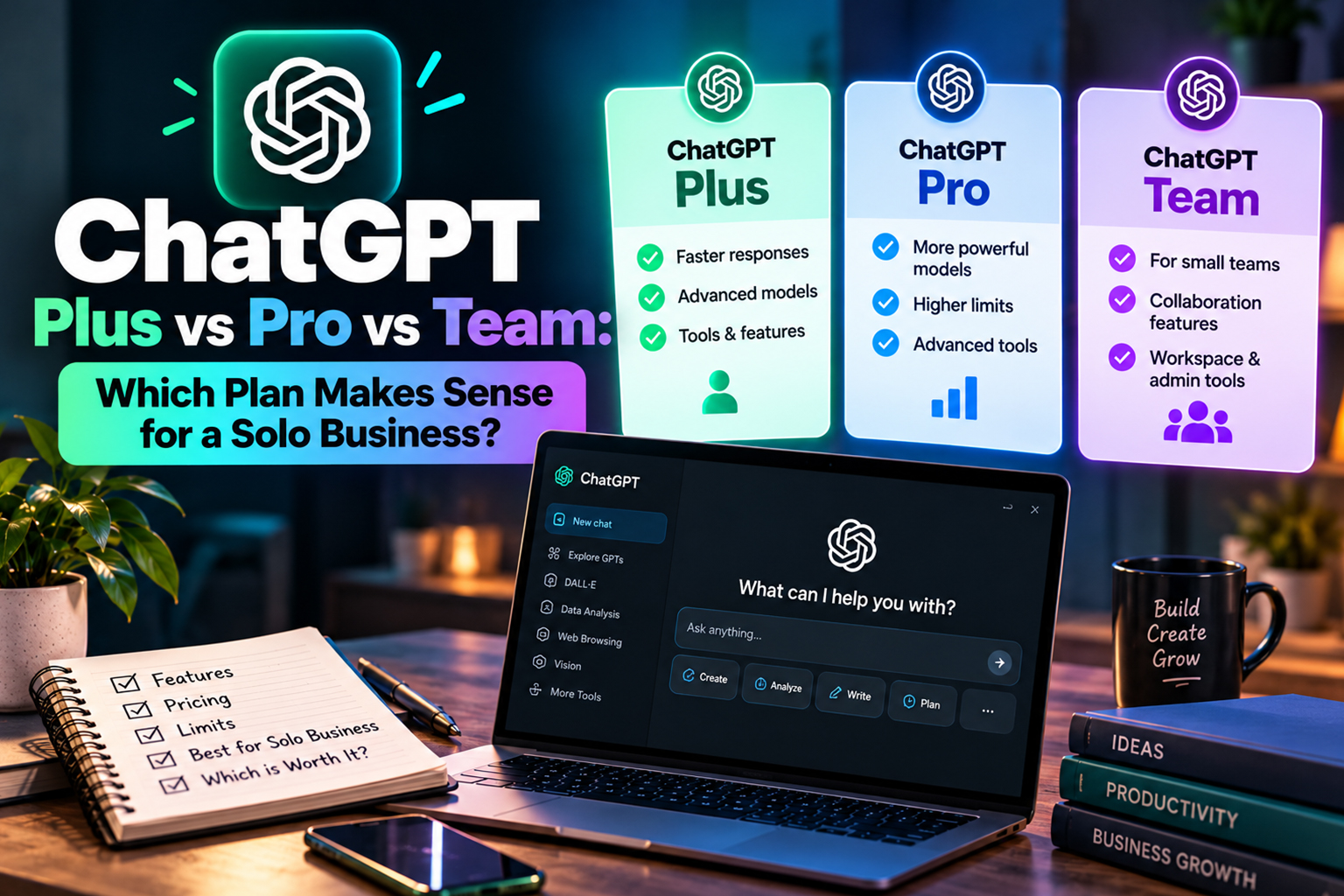
ChatGPT Plus is the entry paid tier aimed at individuals who want access to stronger models compared with the free tier and a higher cap on messages. Pro sits as a heavier use individual plan with more throughput, and Team is a shared workspace product that lives between personal and full enterprise setups.
From a solo perspective the key question is not feature lists, it is how much more real work you can move through each month compared with what you pay. Many freelancers we speak to pair a ChatGPT plan with focused tools, such as options listed in ai content automationso ChatGPT is the core engine rather than the only subscription.
Pricing And Who Each Plan Suits
Prices and exact limits can change, so always check the official OpenAI pricing page before you upgrade. The structure is clear enough to draw some boundaries on who should even think about each plan and where you are probably wasting money.
For many solo operators Plus is the default because it is the lowest paid tier and usually enough for a one person service business that is just getting serious about ai automation for solopreneurs. Once you are sending high volumes of messages or selling AI supported services yourself, upgrading starts to make more sense.
Is ChatGPT Plus Enough For Daily Client Work
For a lot of freelancers the real question is not model names, it is the practical ChatGPT Plus limits per day that they will hit when deadlines stack up. Plus is built for steady but not extreme use, so it works well if you are drafting a few emails, one meaty content piece and some light research spread across your day.
If you have days where you are pushing dozens of long conversations in a row, you may run into slowdowns or caps that force you to stop and wait. On those days it can be smarter to offload some work to other tools like those in ai email automation or task specific assistants instead of leaning on one product for everything.
When A Solo Business Should Consider Pro
The plan name suggests Pro is aimed at power users, and the marketing backs that up with language around heavier throughput and more advanced use cases. The blunt question you need to ask is whether is ChatGPT Pro worth $200 for your current workflow, not the ideal future version of your business.
For a solo consultant building client deliverables on top of ChatGPT or serving multiple clients each day with AI supported services, Pro can earn its keep in saved time and fewer hard stops. It looks less attractive if you mainly use AI for short social posts and the occasional proposal, in which case content focused tools like those reviewed in AI Writing Assistant Suite Review may give you more for the same budget.
Is Team Ever Sensible For One Person
The name alone makes a lot of freelancers assume that Team is off limits, which leads to questions like can one person buy ChatGPT Team when they see the pricing grid. The technical answer is usually yes from a purchase point of view, but the value question sits separate from that.
Team gives you shared workspaces, admin controls and clearer data separation, which matters more once you have contractors, collaborators or clients inside your AI stack. If you are just one person with no staff, similar structure can often be built by combining Plus or Pro with focused tools from the ai automation for small business stack you are already using.
Comparing Limits And Workflows For Solo Use
Limit tables look tidy on sales pages, but you feel them most on busy days when your plan suddenly slows you down. Plus gives you a solid buffer for normal work, Pro gives you more generous usage and Team is built to tolerate heavy shared activity without choking.
A simple way to test fit is to track one week of real client work and note where AI helped or got in your way. If you consistently hit walls, run tests with a higher tier during a heavy week and compare that with putting some of your workload into purpose built ai social media automation or other project tools instead of throwing everything at your chatbot.
Context Windows And File Handling
Context size and file handling matter a lot for service businesses that work with proposals, contracts and research packs. Larger context windows and better file support cut the time you spend splitting documents or reminding the model of what you already said in other chats.
Plus will usually handle everyday briefs and email threads, while Pro and Team are more comfortable chewing through longer projects with multiple documents. If your work involves big research packs, also look at assistants built for that style of work such as those compared in Sider vs ChatGPT Plus to see whether stacking tools beats a plan upgrade.
Security Privacy And Client Expectations
Client facing freelancers have to think beyond their own convenience when picking a plan, especially once they handle sensitive data like financials or internal reports. Policies on privacy, data retention rules and model training defaults can differ between consumer style plans and business focused products, so you should actually read them.
When you ask about ChatGPT business plan costwhat you are really asking is how much you need to pay to get stronger guarantees around data use and access control. Some clients will only sign off if their data is ring fenced in a business workspace, so factor that into your quote and consider whether a dedicated workspace just for those clients belongs in your broader ai customer support automation setup.
How ChatGPT Fits Inside Your Wider AI Stack
Almost no freelancer runs on ChatGPT alone, even if it is their core writing or ideation engine. The rest of your stack, from CRM to project management and outreach tools, decides how hard you actually lean on ChatGPT on a given day.
If most of your repetitive work lives in outreach and client management, then pairing a modest ChatGPT plan with tools focused on ai lead generation automation and follow ups may give you more practical gains than upgrading for extra daily messages. For content heavy businesses where AI drafts most of your public facing work, a higher tier often makes more sense because it supports the tasks you repeat most.
Building Repeatable Systems Around Your Plan
Whatever plan you choose, the real gains show up when you turn one off tasks into repeatable systems instead of reinventing prompts every week. Saved chats, documented workflows and standard templates turn extra model capacity into predictable output.
For example, a solo content writer might use Team purely for cleaner separation between client workspaces and internal projects, even if they are the only active user. Others will stick with Plus and pair it with prompt systems similar to those in AI Prompts for Freelancers so they squeeze more value from each message rather than paying for extra volume.
Conclusion
Choosing the right ChatGPT plan as a solo business comes down to matching real workloads and client expectations with the way you already use ai automation for freelancers, not chasing a plan name that only looks impressive on a subscription list. For some, Plus with a smart supporting stack is enough, for others Pro or Team pays off when AI sits at the core of client delivery and has to keep running on heavy days. If you’d like help with this, reach out through our Contact Us page.
If you are still unsure which way to go after mapping your workloads, walk through your past week of AI use, compare it to your pipeline, then run a short trial on the next tier and treat the cost as a test budget. From there you can refine the rest of your setup with resources like ChatGPT Prompts for Small Business Owners (Copy-Paste Ready) and deeper ai automation for small business content on The AI Solo so your whole stack pulls in the same direction.
Frequently Asked Questions
Q1. Is ChatGPT Plus enough for a full time freelancer
Ans. ChatGPT Plus is enough for many full time freelancers who use AI for a mix of research, drafting and admin. It starts to feel tight when you have multiple large projects or need to keep many long chats open at once. If you hit usage limits regularly or see slowdowns on busy days, that is a sign to test a higher tier or offload some tasks to other tools.
Q2. How do I decide between ChatGPT Plus and Pro as a solo user
Ans. The simplest way is to review one or two recent weeks of work and count how often AI was a blocker. If Plus rarely slows you down, you can stay there and keep the budget for other tools. If you frequently hit limits or need longer context for complex client projects, Pro is easier to justify.
Q3. Is ChatGPT Team overkill if I do not have employees
Ans. ChatGPT Team can be overkill for solo users who just want more messages and better models. It starts to make sense if you manage sensitive client data, need stricter separation between projects or plan to invite contractors into a shared environment. The higher cost only pays off when those features matter for your client work.
Q4. Can I switch between ChatGPT plans as my workload changes
Ans. In most cases you can upgrade or downgrade between plans based on your current needs, but billing and feature changes may not be instant. Many freelancers upgrade during busy seasons and drop back once workloads level out. Just remember to track renewal dates so you are not paying for a tier you no longer use.
Q5. How should I budget for AI tools as a freelancer
Ans. A practical approach is to set a monthly ceiling based on a small percentage of your average revenue, then prioritise tools that shave real hours off your week. Start with one core AI assistant such as ChatGPT, then add specialised tools for content, outreach or admin as you see clear gaps. Review your stack every few months and cancel anything that is not pulling its weight.
Q6. Do different ChatGPT plans change output quality
Ans. Output quality mainly depends on which underlying model you are using rather than the plan name itself. Paid plans usually give you access to stronger models compared with the free tier along with higher usage caps. If quality is the concern, check which models each plan includes and match that to the type of work you do most.