
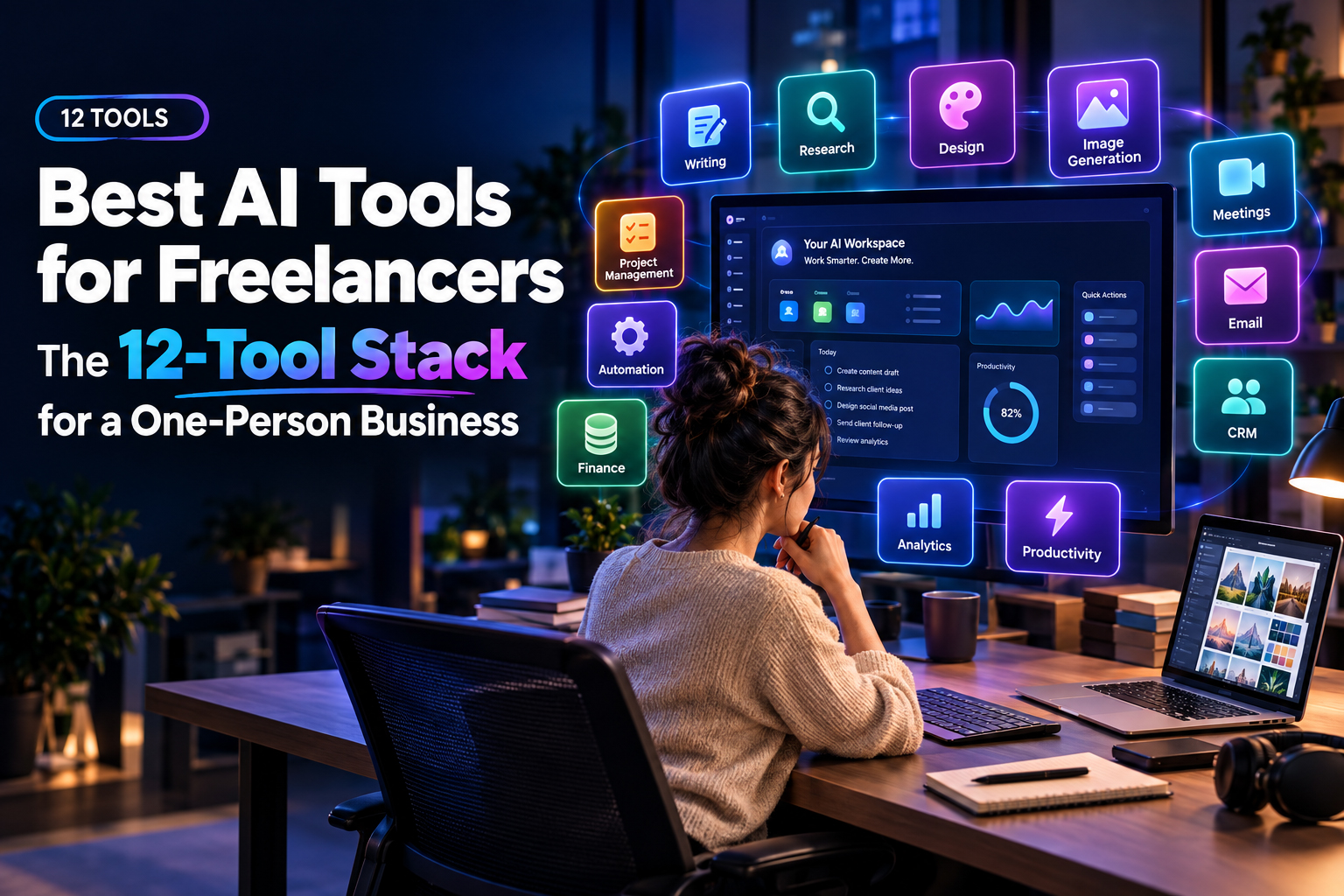
Ai content automation for freelancers is about getting paid work out the door faster without stacking tools you barely remember buying. It matters right now because clients expect quick turnarounds, budgets stay tight and new tools land every week promising to fix everything for a monthly fee.
What you will get here is a practical 12 tool stack that covers writing, design, research, comms and admin, with real trade offs and combinations that still feel professional on a solo budget. We will treat ai content automation as one slice of your small business systems, so you can move from a few clients to a steady roster without rebuilding your workflow every quarter.
Who This 12 Tool Stack Is For
If you are asking what AI tools do freelancers actually use you are probably already tired of giant tool roundups that read like app directories. The stack here is for solo writers, designers, marketers and consultants who want predictable costs and tools they can stick with for a good stretch.
We are assuming you work mainly online with clients in the US, UK or Canada, bill by project or retainer and care more about reliability than about every new model or beta feature. If you want a wider map of tools for one person businesses once your base stack feels clear, read The Ultimate AI Tech Stack for Solopreneurs (2026 Guide) for extra options around sales, delivery and admin.
How To Think About Your AI Stack Budget
Most freelancers do well if they keep AI subscriptions close to the price of one modest monthly SaaS, then add usage based tools only when work is actually booked. That is the simplest way to keep the cheapest AI stack for freelancers from turning into a collection of forgotten logins that quietly drain your profit.
So instead of buying several big platforms, start with one general assistant and one writing tool you like, plus one image or design helper and one system for notes and templates. As your pipeline grows, you can pull extra, very specific apps from the Best AI Tools by Use Case pages for podcasting, courses or coaching without ripping up your whole setup.
Core AI Assistants And Research Tools
Every freelancer needs one main chat style assistant that feels like a smart colleague who is always around. For most people that is either a browser assistant that sits on every tab or a paid chatbot plan that lets you upload files, keep long projects in one place and return to them without losing context.
If you are still weighing which assistant makes sense, the comparison in the Sider vs ChatGPT Plus post breaks down the trade offs for freelance workflows like research, outlining and client email replies. Whichever you pick, set time early on to test how it treats sources, link checking and anything legal or financial so you know exactly what still needs your manual review.
Using Your Assistant For Daily Work
The fastest gains come from using your assistant on repetitive daily work instead of saving it for the big flagship projects. Drafting replies to client briefs, pulling out action lists from meeting transcripts and sketching messy first pass outlines are all safe, high return uses.
Once you are comfortable, start building prompt templates for packaging, proposals and follow up messages, then store them somewhere you will actually open, like a notes app or a simple prompt library. The post on AI Prompts for Freelancers is a good place to grab formats for scoping, proposals and chasing overdue invoices without writing every line from scratch.
Best AI Tools For Freelance Writers And Designers
If you write for a living, your main question about AI tools for freelance writers is usually how to keep quality high and still save real time. You do not need a pile of content apps that all promise magic, you need one or two that you train on your tone and your client work. If you’d rather hand this part over, it’s the kind of work our Ai email automation team handles every week.
Pick a long form writer you like for outlines and rough drafts, then use your chat assistant for edits, structure checks and repurposing into emails or social posts. Writers who also sell consulting or strategy can often reuse processes from broader tool stacks such as the ones in AI Tools for Solopreneurssince proposal writing and analysis sit close to content projects.
Keeping Creative Quality Under Your Control
No content tool knows your client or your ethics, so treat every draft as a briefing document that still needs your judgement. That means checking claims at source, rewriting lazy phrases and setting a clear rule for yourself about how much of any deliverable can be machine written before it stops feeling like your work.
We also suggest keeping your own style guide and template bank somewhere outside the content tool, in a folder or notes system you own. That way if you ever switch platforms or change plan, your positioning, offer copy and best performing emails stay yours instead of ending up trapped behind one company login or a feature sunset.
Best AI Tools For Freelance Designers And Creators
Visual creators often spend too much on shiny features long before they have a steady flow of briefs coming in. The smart move with AI tools for freelance designers is to pick image and layout helpers that you can explain to a non technical client without a long conversation about rights and usage limits.
Before you send any AI generated images to a paying client, read the guide on Free AI Image Generators so you are clear on what commercial use really covers. Then decide which tool you will standardise on for mockups, concept boards and quick social assets, and learn its terms and export quirks well enough that you do not lose an afternoon re exporting files for a single set of posts.
Combining AI With Your Usual Design Apps
The safest setup for most designers is to use AI for exploration and first passes, then finish work in the design tools clients already know. Clients usually trust layered files from familiar software more than flat exports from a new image platform that they have never opened.
So pull colour palettes and layout options from your AI image or layout tools, then rebuild anything final in your core apps. That keeps handoff clean and makes it easier to work with other creatives, and you are less likely to be stuck if a platform changes export rules in the middle of a project or a client asks for a file your AI tool cannot produce.
Building Your Cheap But Reliable Tool Stack
If your goal is genuinely the cheapest AI stack for freelancers the biggest wins come from cutting overlap between tools and avoiding annual plans in the first year. It is usually better to pay monthly for one generalist, one content helper and one visual tool than to lock into long commitments for several different all in one platforms.
A simple way to stress test your stack is to write down every AI subscription and ask what paid client work would actually stop if you cancelled it tomorrow. If a tool only shows up a couple of times a month for convenience, consider moving that task to a prompt workflow or to a cheaper app from the ai automation tools pages until your income clearly supports the nicer option or an upgrade to broader ai automation for small business setups.
Where Automation Beats Hiring A VA
Solo operators sometimes jump straight to hiring a virtual assistant for admin that could be handled with chat prompts, structured templates or light scripting. You really do not need a full support platform just to send follow up emails or process simple intake forms.
Focus first on repetitive text based tasks that always follow the same pattern, like turning call notes into proposals or drafting weekly client updates. Those are exactly the areas where ai automation for solopreneurs gives you more hours back without adding another person to manage or another calendar to coordinate.
Expanding Into Marketing And Content Distribution
Once your core stack feels stable, the next layer is usually marketing and content distribution. Many freelancers lose whole days trying to keep up with social posts, newsletters and smaller content pieces that do not clearly connect to near term revenue.
For that part of the work, focused social and email tools often do a better job than trying to bend a general chat assistant into posting and scheduling. The guide called AI Social Media Tools for Solopreneurs (2026) is a good starting point if you are spending hours on social without seeing much return or you are tired of dragging the same post across several schedulers.
Conclusion
Putting together a 12 tool stack for a one person business is really about restraint, not volume, and smart use of ai content automation instead of subscriptions you barely touch. Start with a solid assistant, one writing tool, one design helper and a small layer of automation, then let real client work decide which upgrades actually earn a place in your toolbox.
If you want help checking the tools you already pay for or planning your next upgrade, reach out through the Contact Us page so we can see where The AI Solo can genuinely save you time instead of just adding more icons to your dock.
Frequently Asked Questions
Q1. What AI tools do freelancers actually use day to day
Ans. Most freelancers rely on one main chat assistant, one content tool and one image or design helper, plus a small number of automation or scheduling tools. Everything else is usually project specific. The exact tools vary, but the pattern of one generalist and a few specialists is fairly consistent across service types.
Q2. How much should a solo freelancer spend on AI tools each month
Ans. A simple rule is to keep your total AI subscription spend close to the price of one modest software plan until your income is stable. As your pipeline grows, you can justify extra tools that remove whole chunks of manual work. If a subscription does not clearly support revenue generating tasks, it probably belongs on the chopping block.
Q3. Are AI tools for freelance writers worth paying for if clients care about originality
Ans. Paid tools can be worth it if you use them for structure, research support and editing rather than for fully automated articles. Many clients are comfortable with AI assisted work as long as you stay transparent about your process and keep final judgement and fact checking in human hands. The safest move is to keep your own style and standards in control instead of letting the tool dictate the voice.
Q4. What are good AI tools for freelance designers who worry about usage rights
Ans. Designers who work on commercial projects should prioritise tools that clearly explain their licensing and output policies. Some free generators limit how you can use images for client work, while paid options may offer stronger commercial rights. Always read the current terms before you include AI generated images in anything that will be sold or widely distributed.
Q5. How can freelancers avoid spending too much time setting up automations
Ans. Start with one or two high impact automations, like proposal drafting or weekly client updates, instead of trying to automate your whole business at once. Use templates and prompt libraries where possible rather than building everything from scratch. Review each automation after a few weeks to confirm it is saving more time than it costs to maintain.
Q6. Do I still need a human virtual assistant if I use AI tools
Ans. Many solo operators can delay hiring a virtual assistant if they use AI for repeatable text based tasks and basic scheduling support. A human assistant still makes sense for judgement heavy work, relationship management and tasks that cross several tools or accounts. Think of AI as your first line helper, with humans stepping in where nuance and context really matter.
1 thought on “Best AI Tools for Freelancers: The 12-Tool Stack for a One-Person Business”