
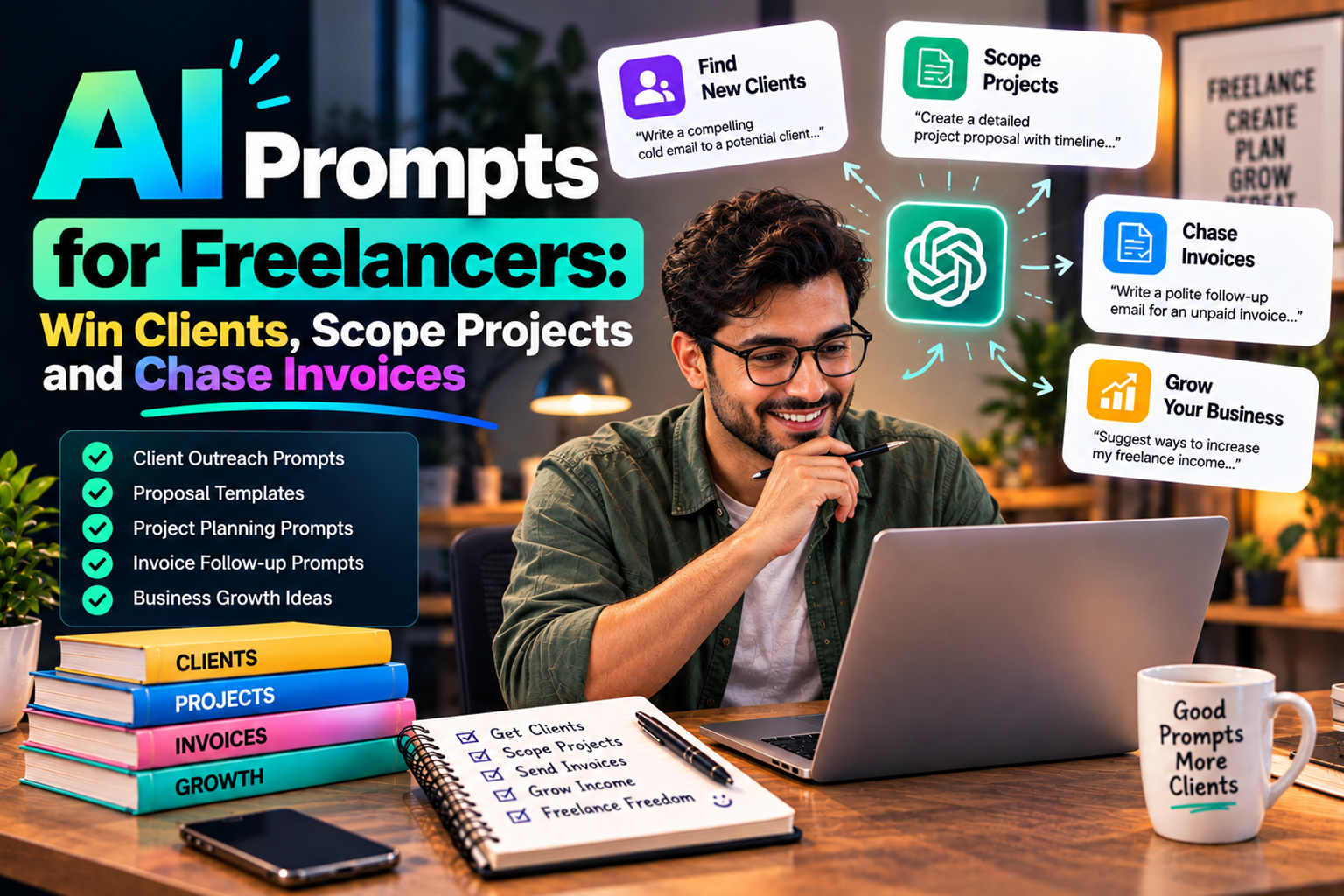
ai automation for solopreneurs is about handing repeatable freelance admin to AI so you can spend more hours on work that clients actually pay for. If you are burning evenings on proposals, chasing late invoices or rewriting the same scope for the fifth time this month, this is the small slice of AI that matters right now.
You will get prompt frameworks you can reuse to qualify leads, write better proposals, scope projects without getting dragged into unpaid extras and follow up on unpaid invoices without sounding aggressive. Along the way, we will show where chat prompts fit inside your tools, where they work well with ai automation for solopreneurs systems and where your own judgment still needs to be in charge.
Why Prompts Matter More Than Tools
Most freelancers have tried a chat tool once, got a fluffy paragraph back and decided AI was overrated. The block is usually vague input and no clear outcome, not the model itself.
Good prompts behave like tiny standard operating procedures, especially when you are building recurring admin around AI Automation instead of starting from a blank page every time. You feed the model context, constraints and next steps in a tight structure, then you reuse that pattern each time a lead or invoice comes in.
How To Think About AI In Your Solo Business
AI should sit next to your brain, not try to copy it. Let it handle structure and rewrites while you keep control of pricing and scope.
If you want prompt examples that support sales and delivery in one place, the post on ChatGPT Prompts for Small Business Owners (Copy-Paste Ready) shows how far you can push prompts without turning your solo business into a full time tech project.
Prompt Frameworks To Qualify And Win Clients
AI will not fix a weak offer, but it can help you respond faster and with more clarity when a lead hits your inbox. The useful part is translating messy client emails into clean summaries, then into a focused response that moves the work forward.
Before you touch a proposal tool, paste the raw lead message into your chat model and ask for a short summary of the goal and timeline, plus any red flags you might miss. That snapshot gives you a clean starting point to judge if the work fits before you reach for a ChatGPT prompt for a project proposal or schedule a discovery call.
Discovery Call Prep Prompts
Discovery calls fall apart when you wing them. Instead, feed the AI the client site, your notes and the inquiry, then ask it to draft focused questions about goals and constraints.
If you are comparing tools for this kind of structured thinking, the breakdown in Uma vs ChatGPT Plus for Freelance Proposals walks through how different models handle proposal style work and what that means for your pre call prep.
Proposal Drafting Prompts
A strong ChatGPT prompt for a project proposal gives the model your offer, your process and the client context, then asks for a draft in your structure, not a generic template. You keep ownership of pricing and deliverables and let AI help with layout and phrasing so you are not rewriting from scratch every time.
For example, you might ask for two sections only, one short paragraph each, plain language and no big promises the work cannot carry. Then you paste that draft into your doc or proposal software and tune the numbers and scope lines yourself so they match how you actually work.
Prompts For Scoping Freelance Work Without Scope Creep
Scoping is where freelancers quietly lose money. If the work is not defined tightly, you spend unpaid evenings fixing quick tweaks that were never agreed.
AI is good at turning fuzzy requirements into lists of decisions and questions. Start with prompts that pull out assumptions, then move to reusable prompts for scoping freelance work for projects in the same niche so you do not retype the same checklists for every client.
Risk And Dependency Prompts
Once you have the basic scope, ask the model to list risks and unknowns a client like yours usually ignores. That might include client approvals or third party tools that often cause delays on your projects.
If your work touches tools and tracking, you can connect your scoping flow with guides like AI Email Hosting Services for Solopreneurs so you ask clear questions about access before you agree to timelines.
Turning Scope Into Clear Deliverables
After risks and assumptions are written down, ask AI to convert the scope into a short bullet list of deliverables and non deliverables in plain language a client can understand. Keep this as a draft, not a contract.
If you are building a standard stack of tools around these prompts, the overview in AI Tools for Solopreneurs can help you decide where scoping should live alongside your CRM and document tools so you do not scatter key details across five apps.
Using AI To Write And Follow Up On Invoices
Chasing invoices is where many freelancers avoid conflict and lose cash. AI will not call a client for you, but it can give you neutral, firm language so you are not rewriting the same email every month.
Start by drafting one strong base email for each stage of your invoicing cycle, then use an AI prompt to chase an unpaid invoice to adapt tone and details for each client and situation while you keep your own boundaries.
Prompt Ideas For Invoice Emails
Invoice prompts work best when they include due date, amount and what was delivered, plus your late payment policy if you use one. That gives the model enough detail to write a clear subject line and a short body that feels specific, not generic.
You can keep a small set of versions saved as snippets in your email tool, such as a polite reminder and a firmer follow up. A final message can say you will pause new work until payment is received, so you are not stuck writing that wording from scratch when you are already annoyed.
Where To Store And Reuse Your Best Prompts
Having good prompts is useful, but if they live in random notes you will not reuse them. Treat your best prompt sets like templates inside your sales or CRM tools so they are where you work.
If you are already shopping for client systems, an AI CRM Software for Solopreneurs style setup can hold proposal prompts, scope frameworks and invoice wording next to the rest of your client data so nothing sits forgotten in a chat thread.
Building A Simple Prompt Library
A basic prompt library can start as a single document with sections for leads, proposals, scope and invoicing. Under each, store the two or four prompts you actually use, not every idea you ever tried.
Later, you can move those into text expanders, your CRM or other ai automation tools that sit on top of your email and project software and trigger the right text when you tag a lead or update an invoice.
How AI Fits Into Your Wider Automation Stack
Prompted chat tools do a lot of heavy lifting, but they are only one piece of your solo stack. The gains show up when prompts connect to the rest of your systems instead of living in a single browser tab.
If you are mapping out your wider automation, the guide on The Ultimate AI Tech Stack for Solopreneurs (2026 Guide) shows how proposal writing, onboarding and invoicing fit together so you do not end up with tools that never talk to each other.
From Manual Prompts To Automations
Once you know which prompts you rely on, you can plug them into email templates or CRM workflows that trigger when a lead is tagged or an invoice is overdue. You do not have to jump into complex tools to see the benefit.
If you want to go deeper on back office systems, the category on ai automation for small business has examples of how one person companies connect prompts to actions without turning the work into a full time tech build.
Conclusion
Smart prompts turn ai automation for solopreneurs from a vague idea into a set of habits that win better clients and keep scope tight. You still make the business decisions and AI just takes the repeat typing off your hands so more of your week is billable. If you’d like help with this, reach out through our Contact Us page.
If you take one thing from this, pick three prompt workflows, refine them for a week, then bake them into your daily tools so they actually get used in The AI Solo style of working. As you get more comfortable, posts like ChatGPT Prompts for Small Business Owners (Copy-Paste Ready) can give you new ideas without pulling you into a tool hunt.
Frequently Asked Questions
Q1. How specific should my freelance AI prompts be?
Ans. Your prompts should be specific enough that another freelancer in your niche could use them and get roughly the same result. Include your service type, client type, deliverable and constraints on style or length. If a prompt keeps returning fluffy output, make the input more concrete, not longer.
Q2. Can AI write my entire freelance proposal for me?
Ans. AI can produce a solid first draft, but you should still own the numbers, scope lines and guarantees. Use AI for structure and wording, then layer your expertise and terms on top. Treat proposals as high stakes documents where you review every line before sending.
Q3. How do I keep AI prompts consistent with my brand voice?
Ans. Start by feeding the model two or three samples of writing you like from your own site or emails and ask it to describe the tone. Then reference that description in future prompts. You can also ask AI to rewrite drafts back into that tone if you feel the output has drifted.
Q4. Is it safe to paste client information into AI tools?
Ans. It depends on the tool and the data. Avoid sharing anything sensitive like contracts, personal identifiers or financial details in public models. For normal marketing or project context, strip out names, URLs and identifiers where you can, and read the provider policy before treating any tool as part of your client workflow.
Q5. How often should I update my freelance AI prompts?
Ans. Review your main prompts every few months or whenever you change your offers or client type. If you notice you are rewriting the output heavily, that is a sign the base prompt needs tuning. Keep older versions in a separate file so you can roll back if a new version does not perform as well.
Q6. Which AI tool is best for freelancers starting out?
Ans. The best tool is the one you will actually open each day and that fits your budget. General chat models are usually enough for proposals, scoping and invoices early on. As your workload grows, you can look into more specialised assistants for writing or client management.