
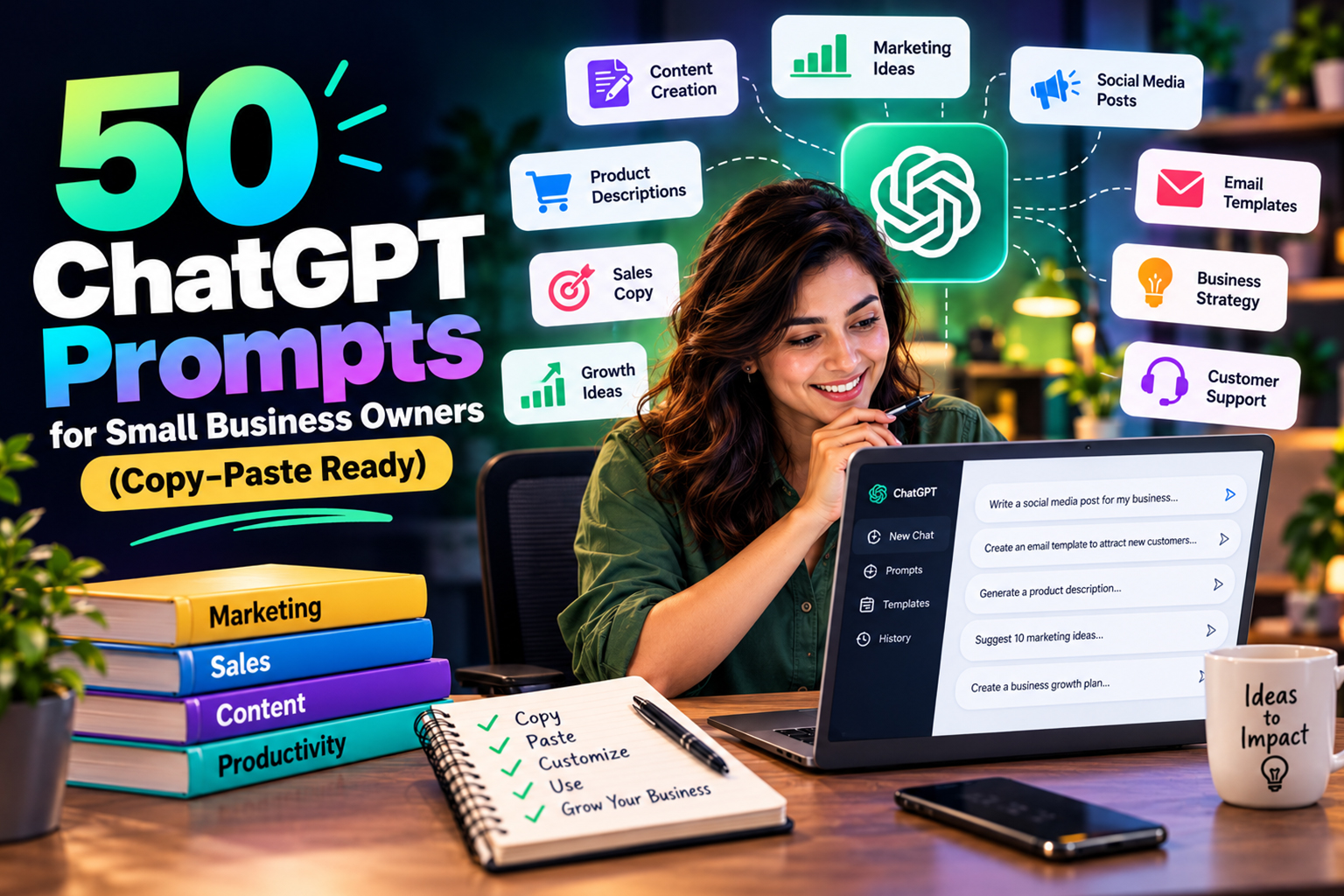
Ai automation for small business is really just using tools like ChatGPT to take the boring, repeatable work off your plate so you can sell and deliver. Right now that mostly means better prompts, faster responses and a bit of structure so AI feels like a junior assistant, not a random text generator.
What you will find here is a tight set of copy paste prompts grouped by task, a simple way to tweak them for your niche and a reusable ChatGPT prompt template you can drop into your daily workflow. As you start testing these, resources on ai automation for small business can help you decide where to plug AI into your week instead of treating it like a toy.
Set Up Ai Automation For Small Business Workflows
The right starting point for small business automation is not “What can AI do”, it is “What do I repeat every single week”. Most owners we talk to burn hours on email and content ideas, so that is where prompts move the needle first.
Before you paste any prompt, write down the outcome in one clear sentence, the audience and the channel you are using. If you are still testing tools, comparisons like Claude AI vs ChatGPT for Writing can help you pick the assistant that fits how you like to brief and edit.
How To Write Better ChatGPT Prompts Fast
If you want to know how to write better ChatGPT promptsstart by treating AI like a contractor. It needs context and constraints, not just “Write me a post about my business”, because vague inputs always give you vague outputs.
A simple structure works well for most small business tasks and once that feels normal you can connect it with other ai automation tools so your prompts sit next to your calendars, forms or email marketing instead of spread across random tabs.
Reusable Prompt Template
Here is a base template you can adapt for many common jobs. “You are a [role, for example email copywriter] helping a [type of business] in [location, if relevant]. Our audience is [describe them]. Our offer is [short description]. Goal, [one clear outcome]. Constraints, [tone, word count, structure]. Use this example as a reference, [paste something you like]. Ask three clarification questions before you start.”
That one block is the backbone for nearly every prompt below. If you do nothing else this week, save it into your notes app and into your main AI workspace or AI email hosting setup so you are not retyping it every day when you reply, draft or plan.
Context, Constraints And Examples
Three inputs matter most to your prompts, who the reader is, what you want them to do and what “good” looks like when you read the result. The last part is where many owners skip detail, then complain the AI sounds like every other business in their niche.
So grab a couple of emails, posts or pages you already like and feed them in as style examples before you ask for anything. For heavier content and campaigns, it can help to bring in tools from guides such as AI Email Marketing Tools so you can test subject lines, calls to action and segments without guessing.
Sales And Lead Generation Prompts
Sales prompts are where a lot of owners feel nervous, because they worry AI will sound pushy or off brand. A clearer brief fixes most of that, so always state your buyer, your offer, your goal and the tone you want before you ask for copy.
Here are practical ChatGPT prompts for sales emails you can copy and adapt inside your chat tool, CRM or email platform instead of writing from scratch every time. If email is a big channel for you, posts that review AI Email Marketing Tools are useful while you test subject lines and sequences around these prompts.
Cold And Warm Email Prompts
Use these starting points for outreach and follow up, then add your own details so each message still sounds like a real person who understands the buyer.
- “You are a polite but direct salesperson for a [type of business]. Write a short cold email to [role] at [type of company] in [industry]. Goal, book a 15 minute intro call. Tone, friendly and plain. End with one clear question.”
- “Rewrite this existing outreach email to sound more conversational and much shorter. Keep the same offer and call to action. Here is the email, [paste your email].”
- “Turn this LinkedIn message into a follow up email that feels natural, not pushy. Keep it under 120 words and mention [specific detail from last chat].”
- “Create four subject line variations for this email that feel specific and grounded. Avoid clickbait. Here is the email body, [paste your copy].”
- “Act as a sales coach. I will paste a prospect reply. Suggest a short response that keeps the conversation open and offers one next step.”
ChatGPT Prompts For Social Media
Social is where owners burn big chunks of time, so having set ChatGPT prompts for social media stops you staring at a blank scheduler every week. The aim is to get a solid first draft, then you trim and add your own examples before anything goes live.
If you already work inside third party schedulers, pairing them with tools from guides like AI Social Media Tools for Solopreneurs (2026) turns content planning into one short block of work instead of a constant background chore that follows you around.
Idea And Content Planning Prompts
These prompts focus on ideas and structure so you spend your energy on details and voice, not on thinking up the next topic from scratch every Sunday night.
- “You are a content planner for a [type of business]. Based on this short description of our offer and audience, create a 4 week content calendar for [platform]. One post idea per day, with a one line summary and a loose hook.”
- “Turn these three customer questions into eight social posts each, half educational and half behind the scenes. Here are the questions, [paste questions].”
- “Suggest eight social content angles for [offer or niche] that would appeal to [audience], focused on problems they already feel and situations they recognise.”
- “Rewrite this long post as a short thread or carousel outline with clear steps and short sentences. Here is the original post, [paste content].”
- “Act as a social media editor. I will paste three posts. For each, suggest one way to be clearer and one way to be more specific to [audience].”
Customer Support, Operations And Content
Support and simple ops are where quiet wins sit, because nobody wants to write the tenth version of the same answer. AI will not replace your judgement here, but it can give you cleaner drafts so you do not have to context switch all day.
You can even route drafts into your inbox via smart tools or services similar to the ones compared in AI Email Hosting Services for Solopreneursthen add the human touch before anything leaves your account.
Support Reply And Documentation Prompts
These prompts work well for helpdesk replies, internal notes and process documents so you do not have to start from a blank screen each time a customer asks a familiar question.
- “You are a calm, clear support rep for a [type of product or service]. Rewrite this rough reply so it is polite and concise for a non technical user. Keep it under 150 words. Here is my draft, [paste text].”
- “Summarise this long support article into a short canned reply that answers the core question and links to the full article for more detail. Here is the article, [paste].”
- “Turn these three repeated customer questions into a simple FAQ section with short, plain answers. Questions, [paste].”
- “Act as an operations assistant. I will paste a messy SOP. Restructure it into numbered steps with short sentences and clear headings.”
- “I am training a new assistant. Based on these tasks, write a simple role description and a weekly checklist for them. Tasks, [paste list].”
Content And Blog Writing Prompts
Longer content is where AI tools look tempting, then disappoint if you just say “Write a blog about X”. Good results come from tight briefs, clear structure and many small edits spread over a few passes.
You can also compare outputs between assistants by reading pieces such as Sintra AI vs Jasperthen settling on the tool that feels closest to how you think and review content.
These prompts help you move from seed idea to first draft faster so you can spend more time on examples and proof, not on wrestling with a blank page.
- “You are a content strategist. Create a detailed outline for a blog aimed at [audience] on the topic [topic]. Include suggested H2 and H3 headings and one bullet list idea per main section.”
- “Expand this outline into a first draft of around [word count] words. Keep the tone plain and specific, with short paragraphs. Outline, [paste].”
- “Act as a line editor. I will paste a blog draft. Suggest cuts where I repeat myself and spots where I need a concrete example. Do not rewrite the whole thing.”
- “Rewrite this section to match the tone of the following reference content. Keep the structure, just adjust style. Section, [paste]. Reference, [paste].”
- “Turn this blog post into a simple email newsletter with a short intro, three main ideas and one clear call to action. Here is the post, [paste text].”
Putting The Prompts To Work
Copying prompts is easy. Building a habit around them is where the gains sit, because the point is to save yourself hours each week, not to sink new time into endless tweaking and experiments that never stick.
Start by picking two workflows where you feel the most drag, for example sales follow ups and weekly content planning, then choose three prompts from each section and drop them into your notes, CRM or task tool. If you already live inside a specific assistant, reviews such as Sider vs ChatGPT Plus can help you decide which app should hold your favourites so they are one click away.
Conclusion
Ai automation for small business works best when you treat prompts as small repeatable processes instead of one off tricks that you forget next week. Once you have a base template and a handful of favourites saved where you work, AI starts to feel like a quiet extra set of hands rather than a novelty. If you’d like help with this, reach out through our Contact Us page.
If you want to move from random experiments to a simple system, take a couple of prompts from each section today, test them in your own niche and keep what works for you, then come back to The AI Solo when you are ready to plug the next gap.
Frequently Asked Questions
Q1. How can small business owners start with AI without getting overwhelmed?
Ans. Start by listing the work you repeat every week, then pick one or two tasks where AI can draft first versions. Use a simple template that includes role, audience, goal and constraints. Keep experiments short so you can see where it helps and where it creates more work.
Q2. Which AI tool is best for these prompts?
Ans. Most mainstream chat tools can handle the prompts you see here. If you already pay for one, start there before adding anything new. Over time you might keep one main assistant for writing and another for research, based on how their strengths feel in your daily work.
Q3. Are AI written sales emails safe to send without editing?
Ans. You should always read and edit sales emails before sending because the tool will not understand every nuance of your offer or industry. Check tone, claims and any promises about results. Treat the output as a draft that saves you time, not as a finished message.
Q4. How do I stop AI social posts sounding generic?
Ans. The fastest fix is to include your own examples and opinions inside the brief and to paste past posts you like as style guides. Then cut any fluff and swap general phrases for specific details about your audience or market. Over time, keep a swipe file of outputs that feel most like you.
Q5. Can AI help with customer support without replacing my team?
Ans. Yes, it can draft replies, summaries and documentation while your team keeps the relationship and final say. Use AI to write first versions of answers, then let humans personalise and approve them. That balance usually keeps both quality and response times in a good place.
Q6. How often should I review the prompts I use?
Ans. A short review every month or two is enough for most solo owners. Watch for prompts you never use and cut them, then refine the ones that save you time so they fit your current offers and audience. Treat the prompt list as a living set of tools, not something fixed.